




An early preview of the new Android Emulator is now available to try out. As a part of Android Studio 2.0, the latest version of the Android Emulator can help you test your app on a wide range of screens size and configurations beyond the physical Android hardware you use to test.Moreover, using the official Android emulator enables you to test with latest Android versions. Building on this foundation, the top two benefits of new Android emulator are:
- Speed & Performance: When emulating the latest Android 6.0 release (Marshmallow), we now support Symmetric Multi-Processing and have made significant I/O improvements in both the emulator and ADB. This means you will have faster performance when you are testing your app.
- Usability & User Interface: The new Android Emulator includes a brand new user interface to make the emulator easy to use. You no longer have to rely on command-line parameters to use the Android emulator. Common tasks and emulator features are now just a mouse click or a keyboard shortcut away.
We previewed the user interface at the Android Dev Summit. You can try it out today along with the new version of ADB for faster APK installation and file transfers to the emulator. Check out the video for a demonstration of the new Android Emulator.
We are seeking early feedback to continue to deliver the experience and features that will make you more productive.
Performance Improvements
CPU Performance
Android Studio now uses CPU acceleration on x86 emulator system images by default. Combined with new Symmetric Multi-Processor (SMP) support in Android 6.0 Marshmallow system images, the Android emulators can perform even faster than many physical Android devices. Multi-core support not only makes your apps and the emulator run faster but it provides the added advantage of speeding up common developer tasks such as installing APKs. Also, with SMP you can test apps that specifically target multi-processor Android devices.
Faster ADB
In addition to faster CPU speeds in the emulator, there are a number of under-the-hood improvements that will make the experience faster. One of the bottlenecks in the development process that we worked on is the speed of pushing data between Android Studio and your device using ADB (Android Debug Bridge). When you use Android 6.0 Marshmallow and higher system images with the new Android Emulator, you can now push files across ADB up to five times faster than a real device. This will help you if you push large APK or files during your app development cycle.
User Interface
Toolbar
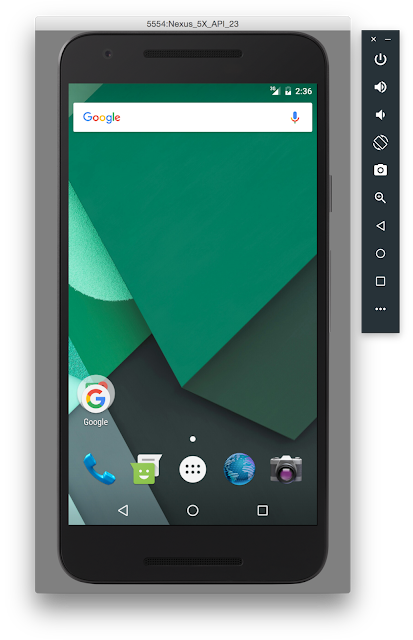
The new interface exposes some of the most common emulator actions in a new toolbar and control panel instead of solely relying on command line options. For the preview, the Android Emulator toolbar enables actions, such as volume control, screen rotation, and screen-shots of the emulator window.
Window Zooming & Scaling
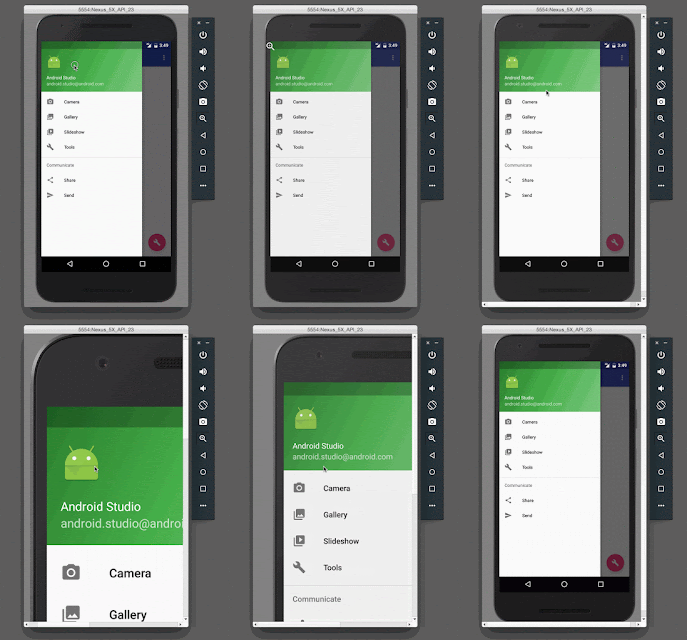
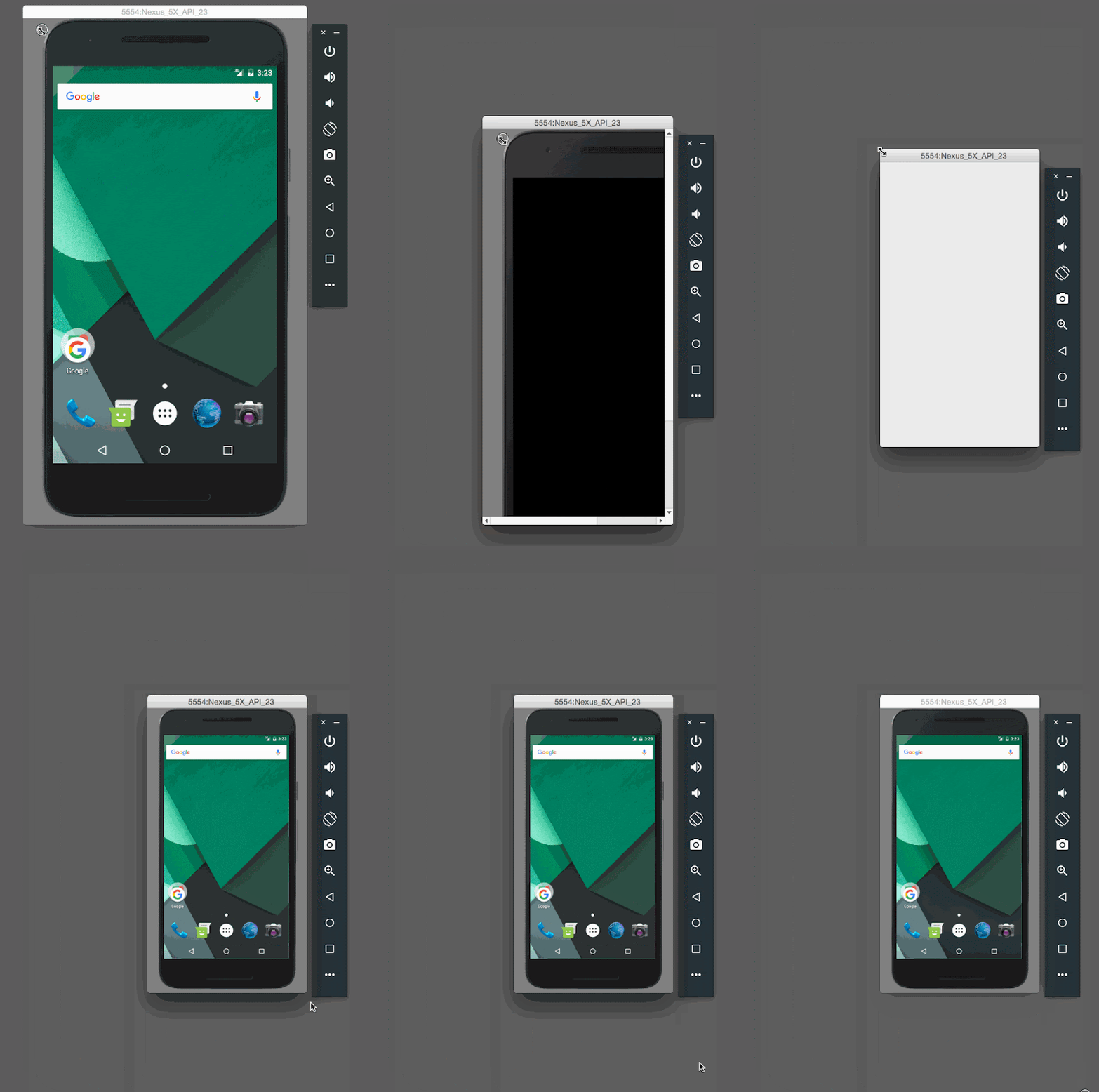
Now you can resize your window simply by dragging a corner. You can also zoom and scroll to get a closer look at a portion of your screen.
 |
 |
Drag & Drop
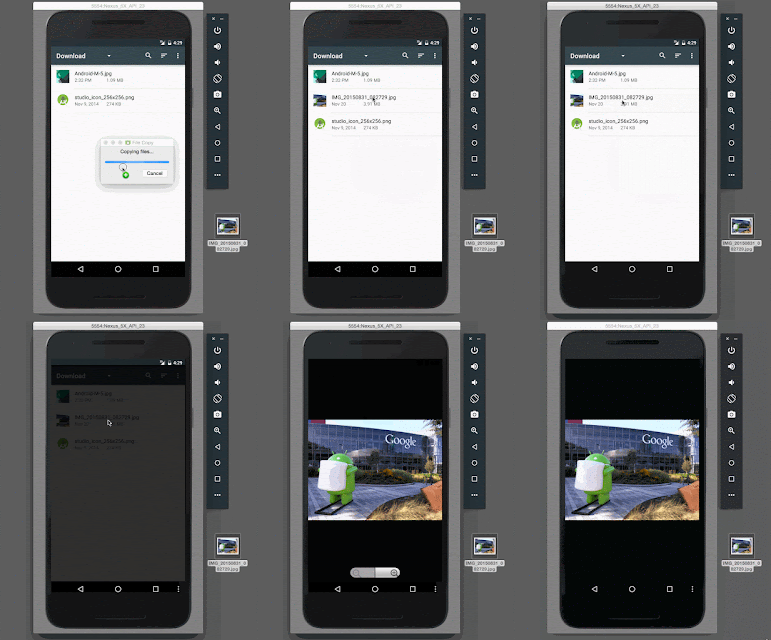
With the new emulator, you can not only drag and drop APKs for quick installation, but you can also drag and drop any file to your emulator’s internal SD card to help in testing.
Extended UI Controls
In the extended controls window, additional options help you validate and test features in your app. As shown below, you can initiate a range of emulator actions such as making a virtual call, sending a virtual SMS, or controlling the power level of the emulator. You can additionally send a single GPS location point to the emulator or play back a custom set of KML or GPX points as well.


We are continuing to add more functionality and we will keep you up to date as we add more features.
What's Next & Setup
This is just the beginning of developments on the Android Emulator, so expect more features such as support more APIs levels, and adding more sensors with future versions of Android Studio. The new emulator along with Android Studio are available today on the Android Studio canary channel and tools preview channel.
Click here for details on how to setup the preview of the new Android Emulator.
We appreciate your feedback. Connect with us, the Android Studio development team, on Google+.


SOCIAL SHARE CARD GENERATOR