Posted by Reza Rokni, Snr Staff Developer Advocate
we discussed best practices and patterns for efficiently deploying a machine learning model for inference with from tfx-bsl, a utility transform from TensorFlow Extended (TFX), which abstracts us away from manually implementing the patterns described in files on disk, we can use the , rather than hand-crafting the model as we did here.Step 5 - Save the model
Now that we have a model, we need to save it for use with the RunInference transform. RunInference accepts that comes with TensorFlow. You can run this command from a cell:
!saved_model_cli show --dir {save_model_dir_multiply} --allAbbreviated output from the saved model file is shown below. Note the signature def 'serving_default', which accepts a tensor of float type. We will change this to accept another type in the next section.
OUTPUT:

signature_def['serving_default']:
  The given SavedModel SignatureDef contains the following input(s):
    inputs['example'] tensor_info:
        dtype: DT_FLOAT
        shape: (-1, 1)
        name: serving_default_example:0
  The given SavedModel SignatureDef contains the following output(s):
    outputs['dense_1'] tensor_info:
        dtype: DT_FLOAT
        shape: (-1, 1)
        name: StatefulPartitionedCall:0
  Method name is: tensorflow/serving/predict
RunInference will pass a serialized tf.example to the model rather than a tensor of float type as seen in the current signature. To accomplish this we have one more step to prepare the model: creation of a specific signature.
Signatures are a powerful feature as they enable us to control how calling programs interact with the model. From the TensorFlow , which it converts to a transform via configuration object.
pipeline = beam.Pipeline()

tfexample_beam_record = tfx_bsl.public.tfxio.TFExampleRecord(file_pattern=predict_values_five_times_table)

with pipeline as p:
   _ = (p | tfexample_beam_record.RawRecordBeamSource()
          | RunInference(
              model_spec_pb2.InferenceSpecType(
                  saved_model_spec=model_spec_pb2.SavedModelSpec(model_path=save_model_dir_multiply)))
          | beam.Map(print)
       )
Note:
You can perform two types of inference using RunInference:
- In-process inference from a SavedModel instance. Used when the
saved_model_specfield is set ininference_spec_type. - Remote inference by using a service endpoint. Used when the
ai_platform_prediction_model_specfield is set ininference_spec_type.
Below is a snippet of the output. The values here are a little difficult to interpret as they are in their raw unprocessed format. In the next section the raw results are post-processed.
OUTPUT:

predict_log {
  request {
model_spec { signature_name: "serving_default" }
                inputs {
      key: "examples"
...
       string_val: "\n\022\n\020\n\007example\022\005\032\003\n\001i"
...
response {
    outputs {
      key: "output_0"
      value {
   ...
        float_val: 524.993896484375
Pattern 2: Post-processing RunInference results
The RunInference API returns a PredictionLog object, which contains the serialized input and the output from the call to the model. Having access to both the input and output enables you to create a simple tuple during post-processing for use downstream in the pipeline. Also worthy of note is that RunInference will consider the amenable-to-batching capability of the model (and does batch inference for performance purposes) transparently for you.
The PredictionProcessor beam.DoFn takes the output of RunInference and produces formatted text with the questions and answers as output. Of course in a production system, the output would more normally be a Tuple[input, output], or simply the output depending on the use case.
class PredictionProcessor(beam.DoFn):

   def process(
           self,
           element: prediction_log_pb2.PredictionLog):
       predict_log = element.predict_log
       input_value = tf.train.Example.FromString(predict_log.request.inputs['examples'].string_val[0])
       output_value = predict_log.response.outputs
       yield (f"input is [{input_value.features.feature['x'].float_list.value}] output is {output_value['output_0'].float_val}");

pipeline = beam.Pipeline()

tfexample_beam_record = tfx_bsl.public.tfxio.TFExampleRecord(file_pattern=predict_values_five_times_table)

with pipeline as p:
   _ = (p | tfexample_beam_record.RawRecordBeamSource()
          | RunInference(
              model_spec_pb2.InferenceSpecType(
                  saved_model_spec=model_spec_pb2.SavedModelSpec(model_path=save_model_dir_multiply)))
          | beam.ParDo(PredictionProcessor())
          | beam.Map(print)
       )
Now the output contains both the original input and the model's output values.
OUTPUT:

input is [[105.]] output is [523.6328735351562]
input is [[108.]] output is [538.5157470703125]
input is [[1000.]] output is [4963.6787109375]
input is [[1013.]] output is [5028.1708984375]
Pattern 3: Attaching a key
One useful pattern is the ability to pass information, often a unique identifier, with the input to the model and have access to this identifier from the output. For example, in an IOT use case you could associate a device id with the input data being passed into the model. Often this type of key is not useful for the model itself and thus should not be passed into the first layer.
RunInference takes care of this for us, by accepting a Tuple[key, value] and outputting Tuple[key, PredictLog]
Step 1 - Create a source with attached key
Since we need a key with the data that we are sending in for prediction, in this step we create a table in BigQuery, which has two columns: One holds the key and the second holds the test value.
CREATE OR REPLACE TABLE
  maths.maths_problems_1 ( key STRING OPTIONS(description="A unique key for the maths problem"),
    value FLOAT64 OPTIONS(description="Our maths problem" ) );
INSERT INTO
  maths.maths_problems_1
VALUES
  ( "first_question", 105.00),
  ( "second_question", 108.00),
  ( "third_question", 1000.00),
  ( "fourth_question", 1013.00)
Step 2 - Modify post processor and pipeline
In this step we:
- Modify the pipeline to read from the new BigQuery source table
- Add a map transform, which converts a table row into a Tuple[ bytes, Example]
- Modify the post inference processor to output results along with the key
class PredictionWithKeyProcessor(beam.DoFn):

   def __init__(self):
       beam.DoFn.__init__(self)

   def process(
           self,
           element: Tuple[bytes, prediction_log_pb2.PredictionLog]):
       predict_log = element[1].predict_log
       input_value = tf.train.Example.FromString(predict_log.request.inputs['examples'].string_val[0])
       output_value = predict_log.response.outputs
       yield (f"key is {element[0]} input is {input_value.features.feature['x'].float_list.value} output is { output_value['output_0'].float_val[0]}" )

pipeline_options = PipelineOptions().from_dictionary({'temp_location':f'gs://{bucket}/tmp'})
pipeline = beam.Pipeline(options=pipeline_options)

with pipeline as p:
 _ = (p | beam.io.gcp.bigquery.ReadFromBigQuery(table=f'{project}:maths.maths_problems_1')
         | beam.Map(lambda x : (bytes(x['key'], 'utf-8'), ExampleProcessor().create_example(numpy.float32(x['value']))))
         | RunInference(
             model_spec_pb2.InferenceSpecType(
                 saved_model_spec=model_spec_pb2.SavedModelSpec(model_path=save_model_dir_multiply)))
         | beam.ParDo(PredictionWithKeyProcessor())
         | beam.Map(print)
)key is b'first_question' input is [105.] output is 524.0875854492188
key is b'second_question' input is [108.] output is 539.0093383789062
key is b'third_question' input is [1000.] output is 4975.75830078125
key is b'fourth_question' input is [1013.] output is 5040.41943359375Pattern 4: Inference with multiple models in the same pipeline
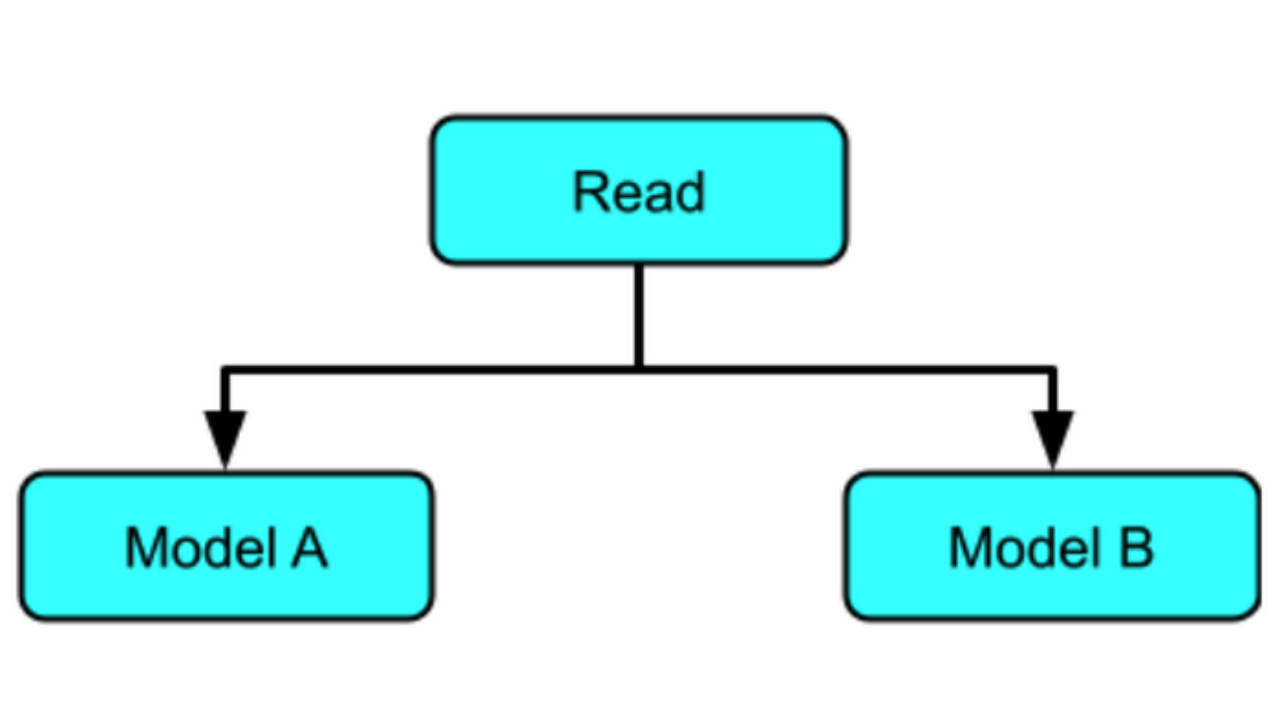
In part I of the series, the "join results from multiple models" pattern covered the various branching techniques in Apache Beam that make it possible to run data through multiple models.
Those techniques are applicable to RunInference API, which can easily be used by multiple branches within a pipeline, with the same or different models. This is similar in function to

SOCIAL SHARE CARD GENERATOR