



Posted by The Android Team
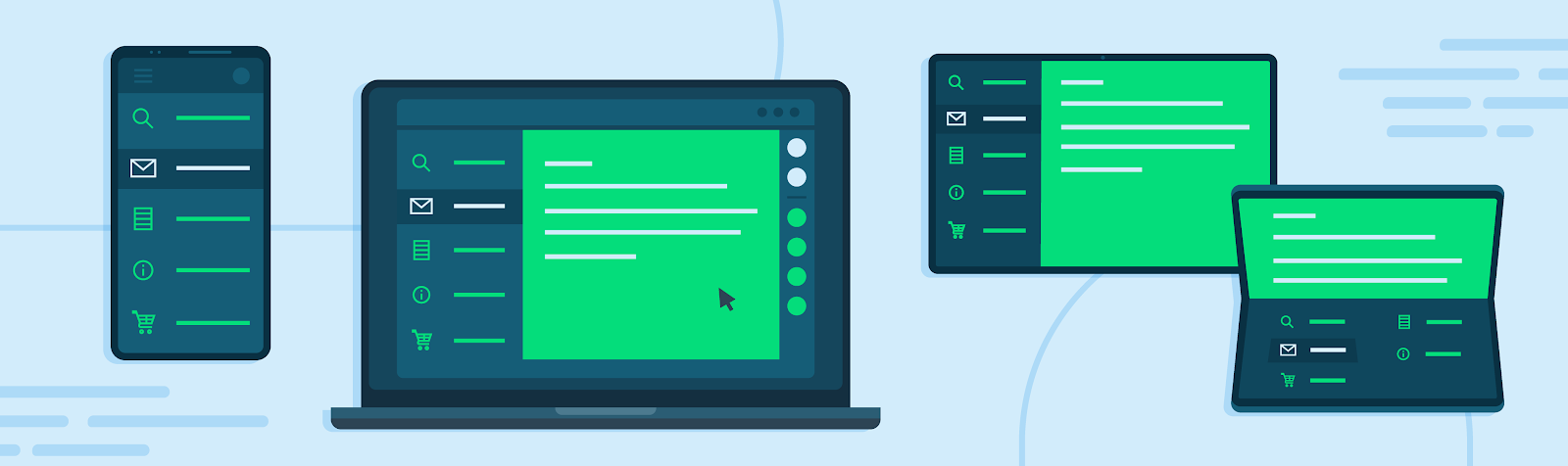
Large screens are growing in reach, with now over 250M active Android tablets, foldables, and ChromeOS devices. As demand continues to accelerate, we’re seeing users doing more than ever on large screens, from socializing and playing games, to multitasking and getting things done. To help people get the most from their devices, we're making big changes in Google Play to enable users to discover and engage with high quality apps and games.
Changes in Play
We’ll be introducing three main updates to the store: ranking and promotability changes, alerts for low quality apps, and device-specific ratings and reviews.
Ranking and Promotability Changes
We recently published our large screen app quality guidelines in addition to our core app quality guidelines to provide guidance on creating great user experiences on large screens. It encompasses a holistic set of features, from basic compatibility requirements such as portrait and landscape support, to more differentiated requirements like keyboard and stylus capabilities. In the coming months, we’ll be updating our featuring and ranking logic in Play on large screen devices to prioritize high-quality apps and games based on these app quality guidelines. This will affect how apps are surfaced in search results and recommendations on the homepage, with the goal of helping users find the apps that are best optimized for their device. We will also be deepening our investment in editorial content across Play to highlight apps that have been optimized for large screens.
Alerts for Users Installing Low Quality Apps
For apps that don’t meet basic compatibility requirements, we’ll be updating current alerts to users on large screens to help set expectations for how apps will look and function post-install. This will help notify users about apps that may not work well on their large screen devices.We are working to provide additional communications on this change, so stay tuned for further updates later this year.
Device-Specific Ratings and Reviews
Lastly, as we previously announced, users will soon be able to see ratings and reviews split by device type (e.g. tablets and foldables, Chrome OS, Wear, or Auto) to help them make better decisions about the apps that are right for them. Where applicable, the default rating shown in Play will be that of the device type the user is using, to provide a better sense of the app experience on their device. To preview your ratings and reviews by device, you can view your device-type breakdown in Play Console today.
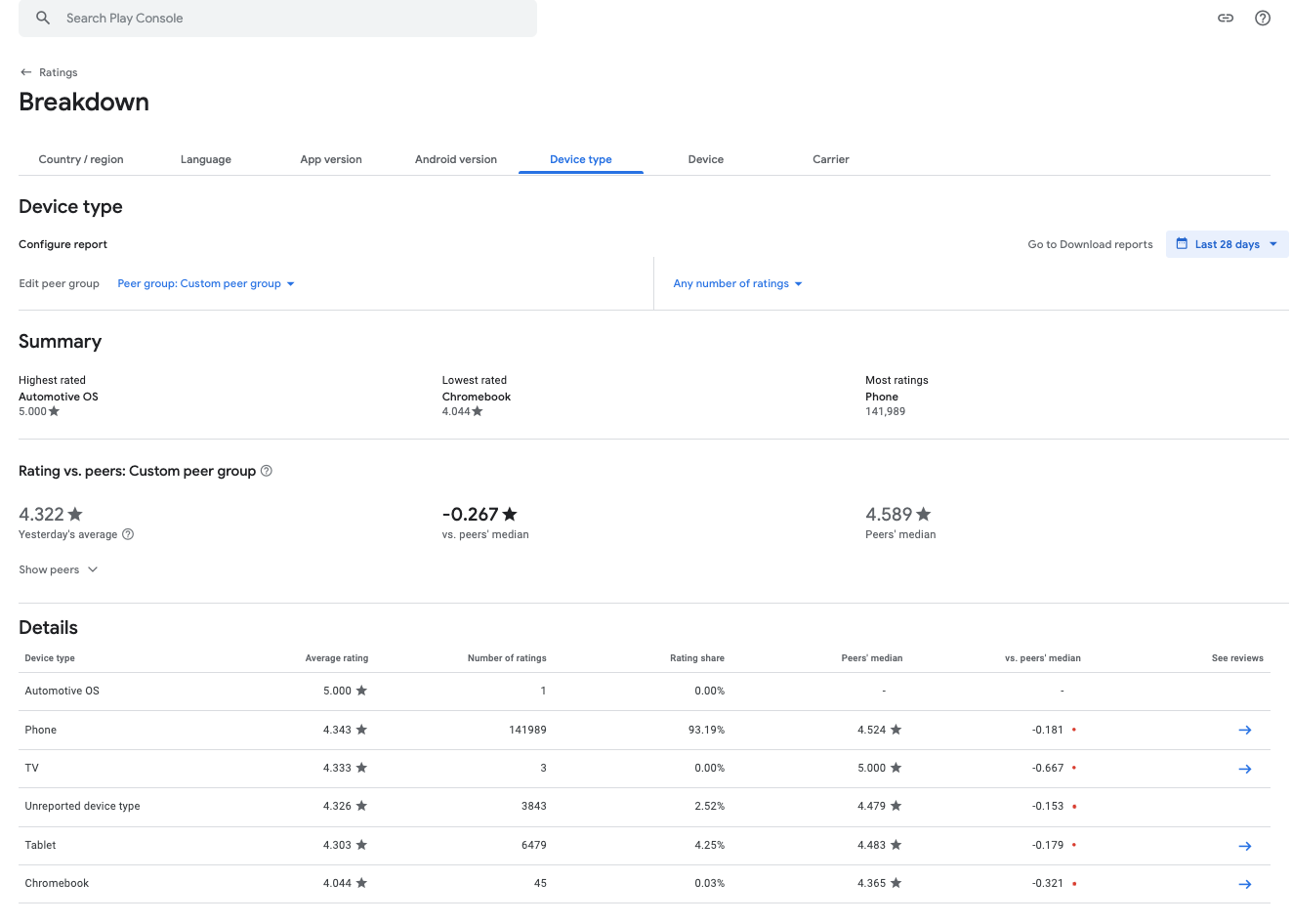
Analyze your ratings and reviews breakdown by device type to plan large screen optimizations
Tools for Getting Started on Large Screen Optimizations
Developers optimizing for large screens are already seeing positive impact to user engagement and retention. To help you get started, here are some tips and resources for optimizing your app for large screens:
- Use our large screens quality guidelines as a checklist to help you benchmark your apps’ compatibility level and plan for any enhancements
- Reference our developer documentation on large screens development, including our resources for building responsive layouts, and how to best support different screen sizes.
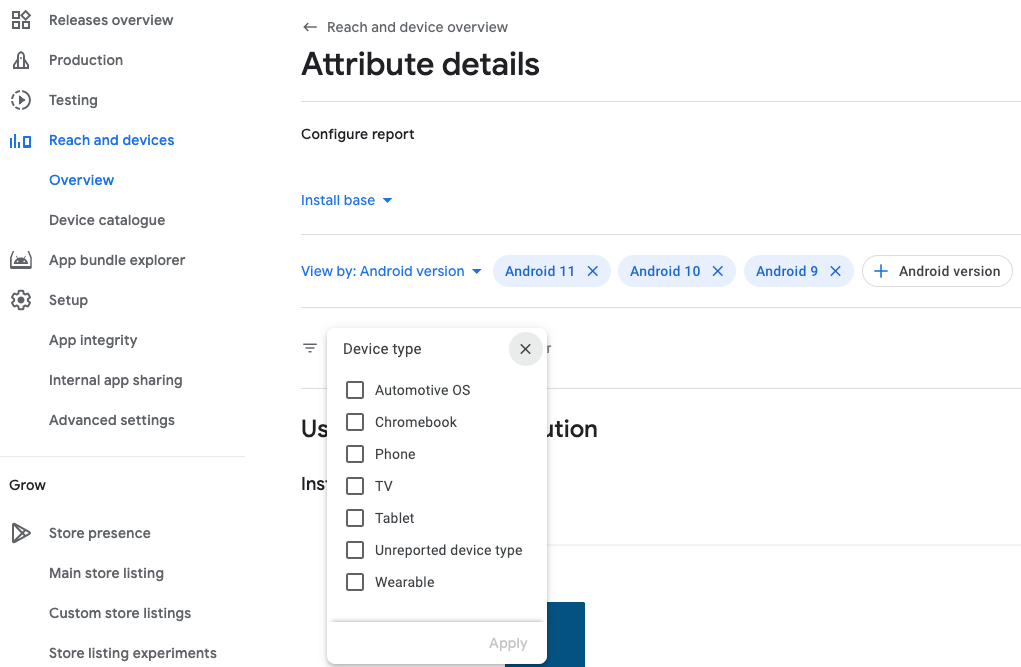
- Track device type changes in core metrics as well as user and issue distributions across device types via our recently released Device Type breakdowns in the Reach and Devices section of Play Console. You can use Reach and Devices not only for existing apps or games, but also to plan your next title - by choosing a relevant peer group and analyzing user and issue distributions.
Use the Device Type filter to select one or multiple device types to analyze in Reach and Devices
See device type breakdowns of your user and issue distributions to optimize your current title
or plan your next title
The features in Play will roll out gradually over the coming months, so we encourage you to get a head start in planning for large screen app quality enhancements ahead of these changes. Along the way, we will continue collecting feedback to understand how we can best support large screen optimizations that improve consumer experiences and empower developers to build better apps.


SOCIAL SHARE CARD GENERATOR