Posted by Scott Main, AIY Projects and Coral
, which allows you to build your own intelligent device that responds to voice commands. Then we released the
Making ML accessible to all
The Voice Kit and Vision Kit are a lot of fun to put together and they include great programs that demonstrate the possibilities of ML on a small device. However, they don't provide the tools or procedures to help beginners achieve their own ML project ideas. When we released those kits in 2017, it was actually quite difficult to train an ML model, and getting a model to run on a device like a Raspberry Pi was even more challenging. Nowadays, if you have some experience with ML and know where to look for help, it's not so surprising that you can train an object detection model in your web browser in less than an hour, or that you can run a pose detection model on a battery-powered device. But if you don't have any experience, it can be difficult to discover the latest ML tools, let alone get started with them.
We intend to solve that with the Maker Kit. With this kit, we're not offering any new hardware or ML tools; we're offering a simplified workflow and a series of tutorials that use the latest tools to train TensorFlow Lite models and execute them on small devices. So it's all existing technology, but better packaged so beginners can stop searching and start building incredible things right away.
Simplified tools for success
The material we've collected and created for the Maker Kit offers an end-to-end experience that's ideal for educational programs and users who just want to make something with ML as fast as possible.
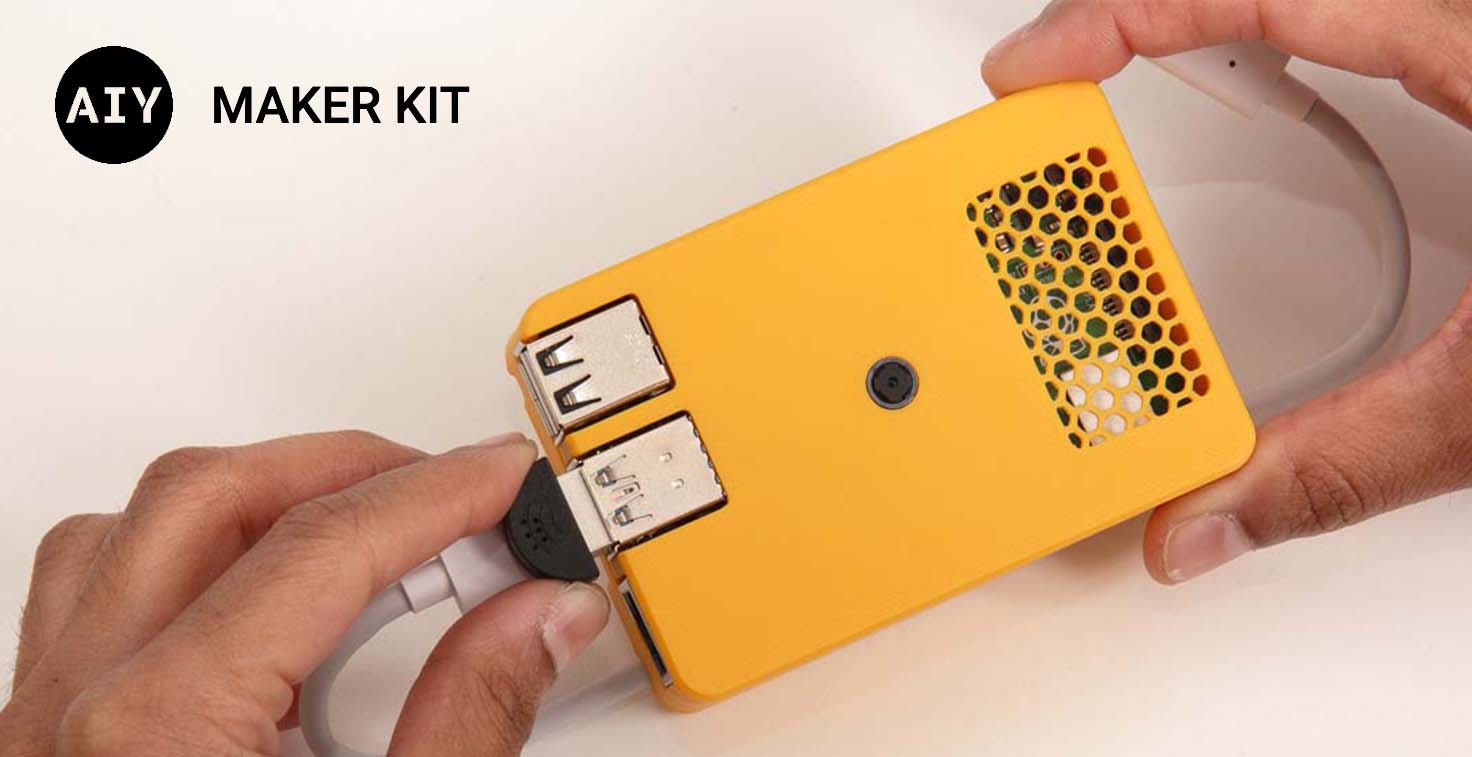
The hardware setup requires a Raspberry Pi, a Pi Camera, a USB microphone, and a
Our code examples use some pre-trained models and you can get more models that are accelerated on the Edge TPU from the , so we invite you to explore the innards and extend the Maker Kit API for your projects.
Getting started
We created the Maker Kit to be fully customizable for your projects. So rather than provide all the materials in a box with a predetermined design, we designed it with hardware that's already available in stores (listed on our website) and with optional instructions to build your own case.
To get started, visit our website at g.co/aiy/maker, gather the required materials, flash our system image, and follow our programming tutorials to start exploring the possibilities. With this head start toward building smart applications that run entirely on an embedded system, we can't wait to see what you will create.

SOCIAL SHARE CARD GENERATOR