Posted by Sivylla Paraskevopoulou, Product Marketing Manager at MathWorks
andYou will see how straightforward it is to use TensorFlow with MATLAB and why I (and other engineers) like having the option to combine them for deep learning applications. Why choose when you don’t have to?
Convert Model from TensorFlow to MATLAB
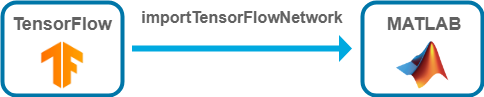 |
You can convert a pretrained model from TensorFlow to MATLAB by using the MATLAB function .
Predict and plot image with classified label. MATLAB code:
label = classify(net,Im); imshow(Im) title("Predicted label: " + string(label)); |
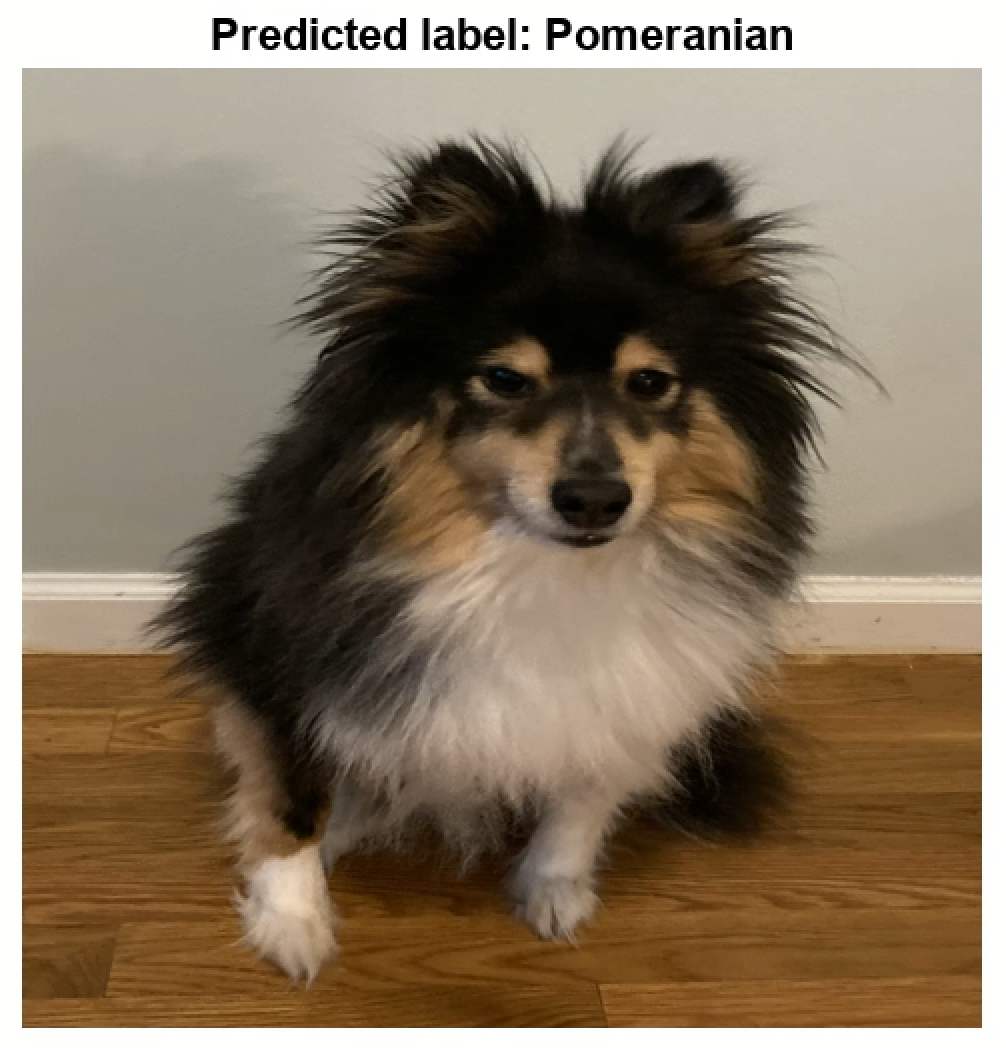 |
To see the full example on how to import an image classification TensorFlow model into MATLAB and use the model for prediction, see .
In MATLAB, you can perform transfer learning programmatically or interactively by using the . With DND, you can interactively prepare the network for training, train the network, export the retrained network, and then use it for the new task. For an example, see .
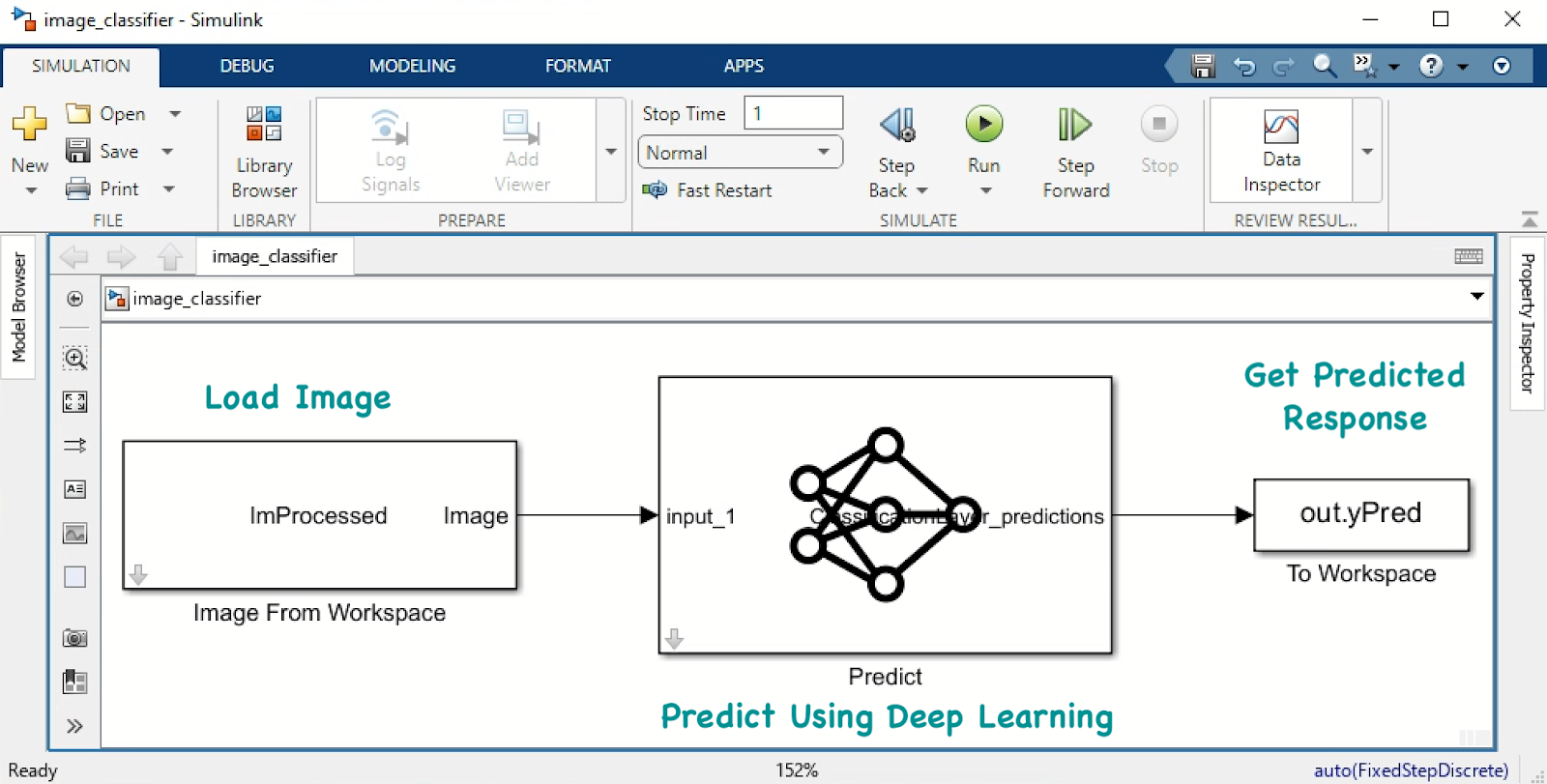 |
| Figure:Simple Simulink system for predicting image label |
Of course, Simulink capabilities extend far beyond classifying an image of my dog after I gave him a bad haircut and trying to predict his breed. For example, you can use deep neural networks inside a Simulink model to perform lane and vehicle detection. To learn more, see . In MATLAB, we refer to trained models as networks and to untrained models as layer graphs. The . An important step is to permute the sequence data from the Deep Learning Toolbox ordering (CSN) to the TensorFlow ordering (NSC), where C is the number of features of the sequence, S is the sequence length, and N is the number of sequence observations. To learn more about the dimension ordering of the input data for different deep learning platforms, see .
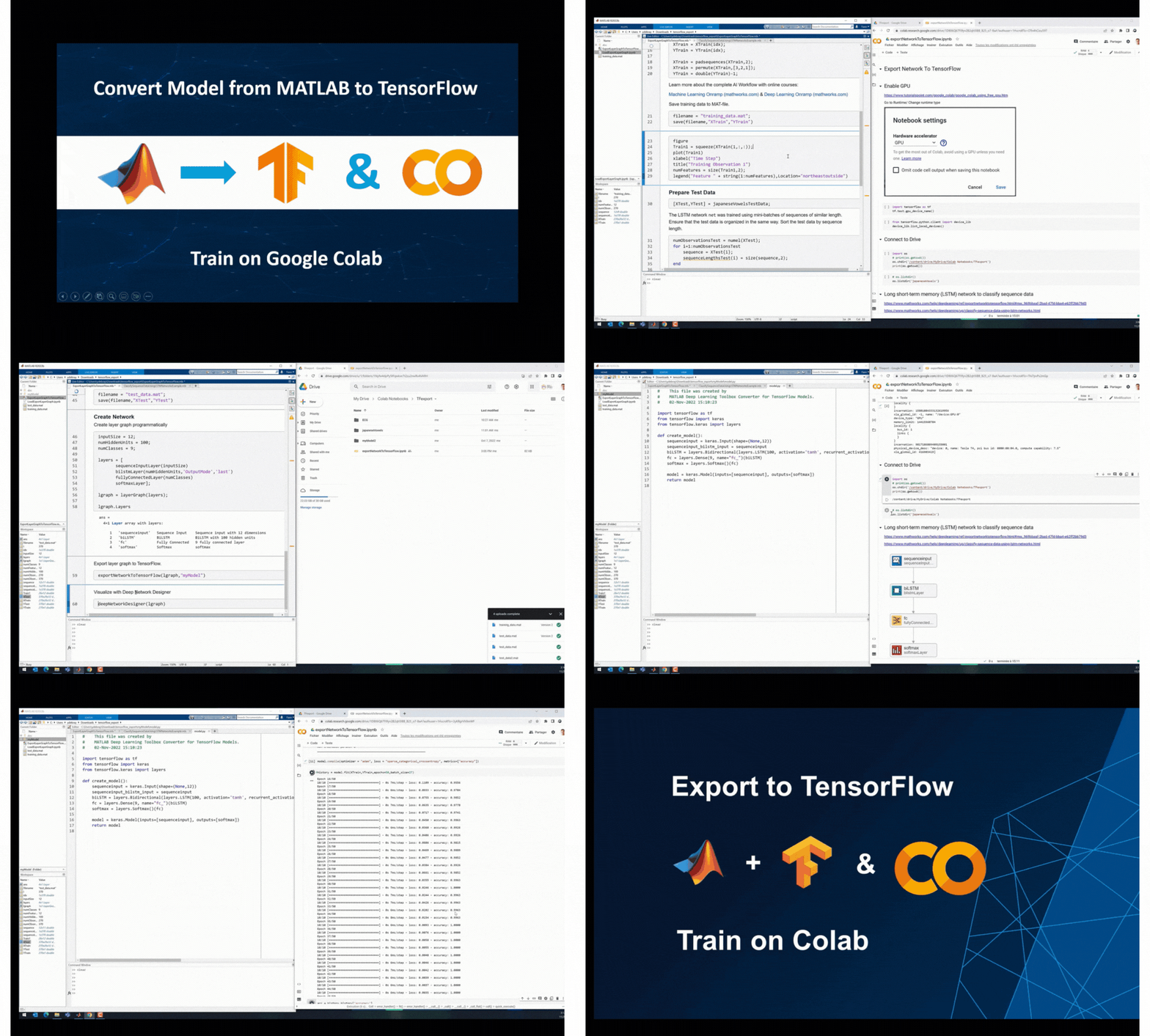 |
| Export untrained model from MATLAB to TensorFlow and train on Google Colab |
Run TensorFlow and MATLAB Together
 |
You ‘ve seen so far how to convert models between TensorFlow and MATLAB. You also have the option to use TensorFlow and MATLAB together (run from the same environment) by either calling Python from MATLAB or calling MATLAB from Python. This way you can take advantage of the best capabilities from each environment by creating an integrated workflow.
For example, TensorFlow might offer newer models but you like MATLAB apps for labeling data, or you might want to train your TensorFlow model under multiple initial conditions using the Experiment Manager app (see function. For an example that shows how to call a TensorFlow model in MATLAB, see to call MATLAB from a Python environment and thus, integrate MATLAB tools and apps into your existing Python workflow. MATLAB is convenient for labeling and exploring data for domain-specific (e.g., radar, wireless, audio, and biomedical) signal processing using low-code apps. For an example, see our GitHub repo Co-Execution for Training a Speech Command Recognition System.
Conclusion
The bottom line is that both TensorFlow and MATLAB offer excellent tools that enable applying deep learning to your application. MATLAB integrates with TensorFlow to take full advantage of these tools and enable access to hundreds of deep learning models. Choose between the interoperability features (convert models between TensorFlow and MATLAB, or use TensorFlow and MATLAB together) to create a deep learning workflow that bridges platforms and teams.
If you have questions about how, when, and why to use the described interoperability, email me at [email protected]. I would love to hear more about your workflow and discuss how working across deep learning platforms accelerates the application of deep learning to your domain.

SOCIAL SHARE CARD GENERATOR