 Posted by Jay Chang, Product Marketing Manager for Flutter & Dart and Glenn Cameron, Product Marketing Manager for Machine Learning
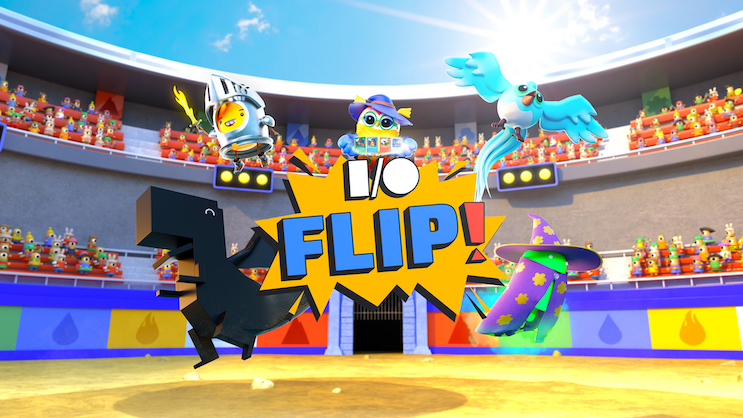
is an AI-designed take on a classic card game, powered by Google, and created to inspire developers to experiment with what is possible with Google’s new generative AI technologies. Thousands of custom character images were pre-generated with and their descriptions were written using the , including audio functionality and app navigation via the – resizing depending on the user’s screen size and that it took input from a variety of devices, mobile, tablet, and desktop.
Much of the logic in FLIP is based on the game cards, so they’re a good place to start. Each card consists of an image of one of four Google mascots: Dash, Sparky, Dino, and Android, and a description – both of which are inspired by the class and power the user selects at the beginning of the game. Cards are also randomly assigned an elemental power (air, water, fire, metal, earth) and a number between 10-100 indicating the card’s strength. Elemental powers can impact each other in match play, indicated in the image below.
 |
Elemental powers aren’t just for show. Cards receive a 10 point penalty if they are on the wrong end of an element matchup, as explained in the images above.
Speaking of matchups, each match is a best-of-3. The winner continues playing with their chosen hand to start (or continue) their streak, while the loser can share their hand or pick a new hand to try again.
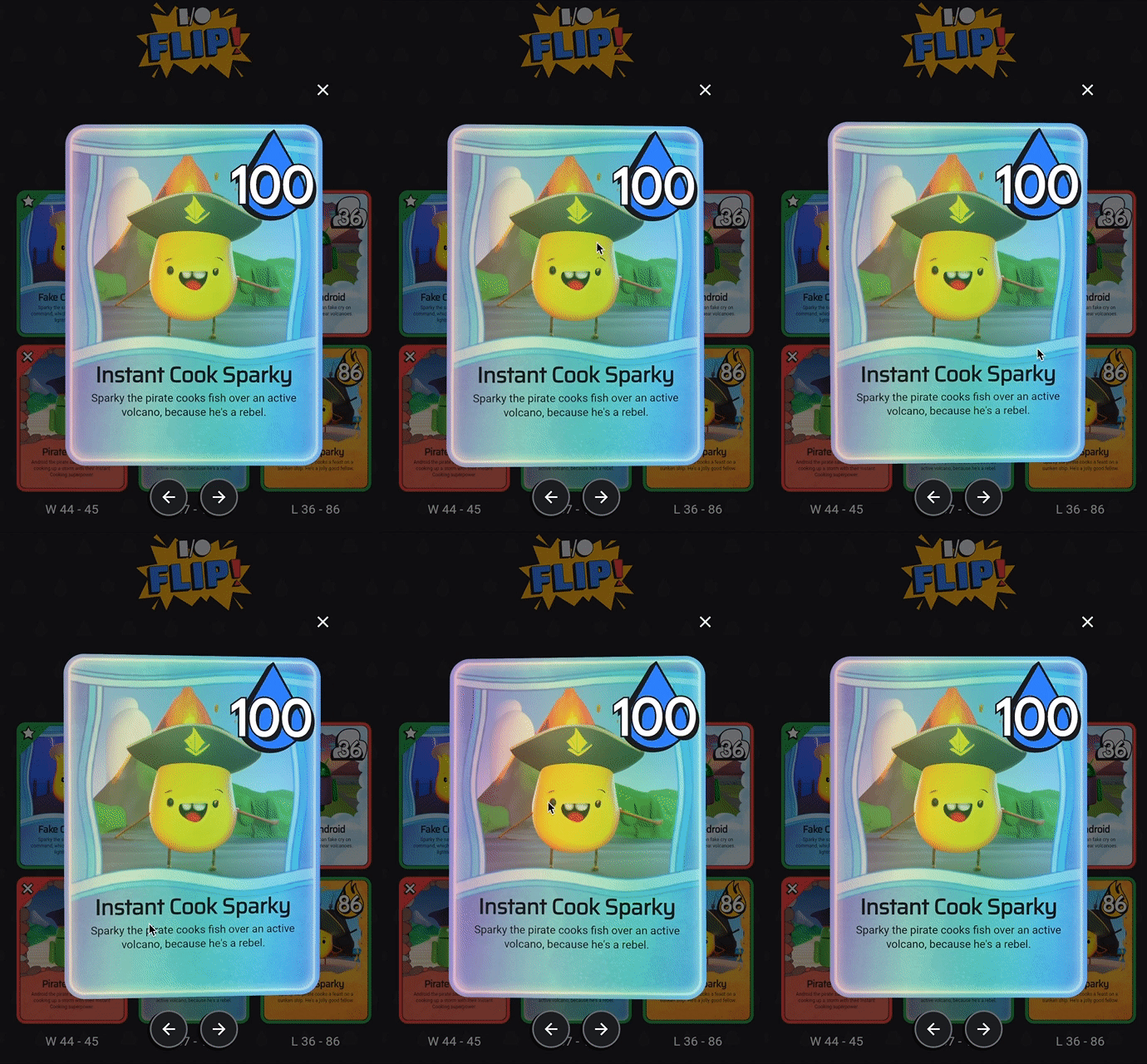
New Flutter and Dart features helped us quickly bring this life: For instance, on web helped us to create a special hologram effect on some cards, which are the only cards in the game that have 100 points.
 |
Dreambooth on Muse and PaLM API: AI-generated images and descriptions
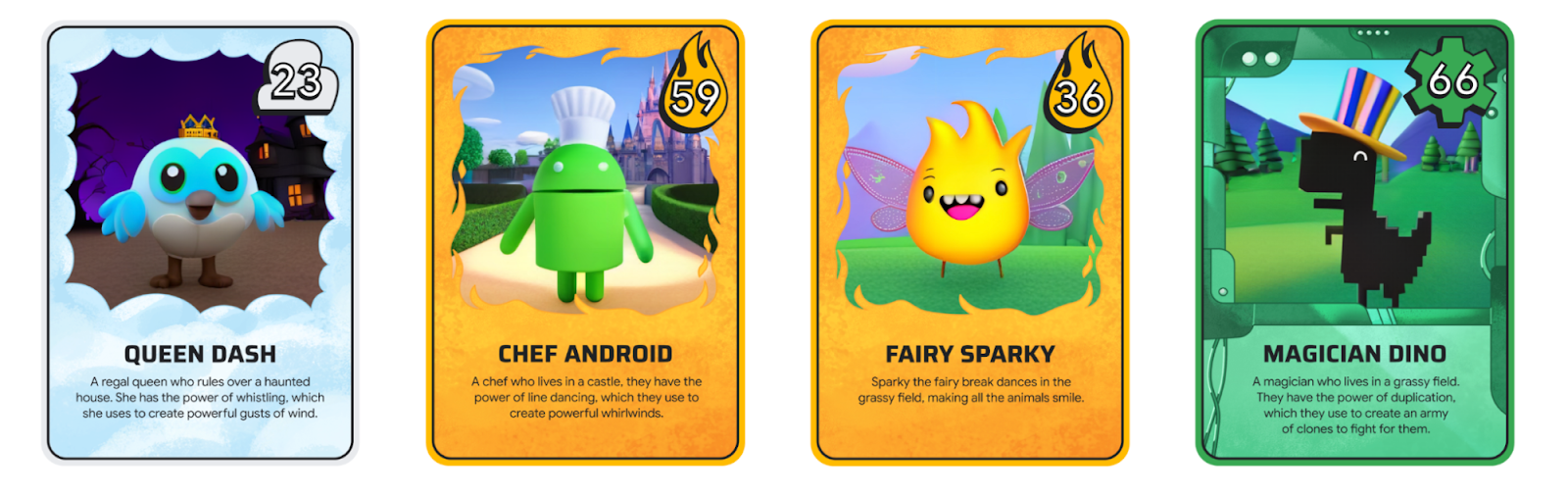 |
Each card in I/O FLIP is unique because it contains an AI-generated image and description.
Images were pre-generated using two technologies pioneered out of Google Research: , a technique running on top of Muse that allows you to personalize text-to-image models to generate novel images of a specific subject using a small set of your own images for training.
Card descriptions were prototyped in MakerSuite and pre-generated using the .
Flutter is used to compose the cards from a name, description, image and power using the GameCard widget. Once the card is created, a border indicating its element is applied. If you’re lucky enough to land a hologram card, a special foil shader effect will be applied to the design.
Firebase: game hosting, sharing, and real-time game play
keeps track of the leaderboard for “Highest Win Streak” with new leaders added using the firedart to ensure that only the code that we wrote ourselves is allowed, and we used Firebase security rules to ensure the code can only access data and make changes that it is authorized to.
Dart Frog: sharing code between the backend and frontend
I/O FLIP needed more ways to prevent cheating. This is where , the game can take advantage of features like autoscaling, which allows it to handle many players at once.
Finally, Dart Frog also enables downloading or sharing cards on social media. At the end of a round, a player can choose to download or share to Twitter or Facebook. When a user clicks the share button, Dart Frog generates a pre-populated post that contains text to share and a link to a webpage with the corresponding hand or card and a button for visitors to play the game too!
Try it yourself
We hope you’ve had a chance to try for I/O FLIP so you can take a deeper look at how we built it too. If you’d like to try your hand at some of the generative AI technologies used in I/O FLIP, tune in to Google I/O to learn more.

SOCIAL SHARE CARD GENERATOR