



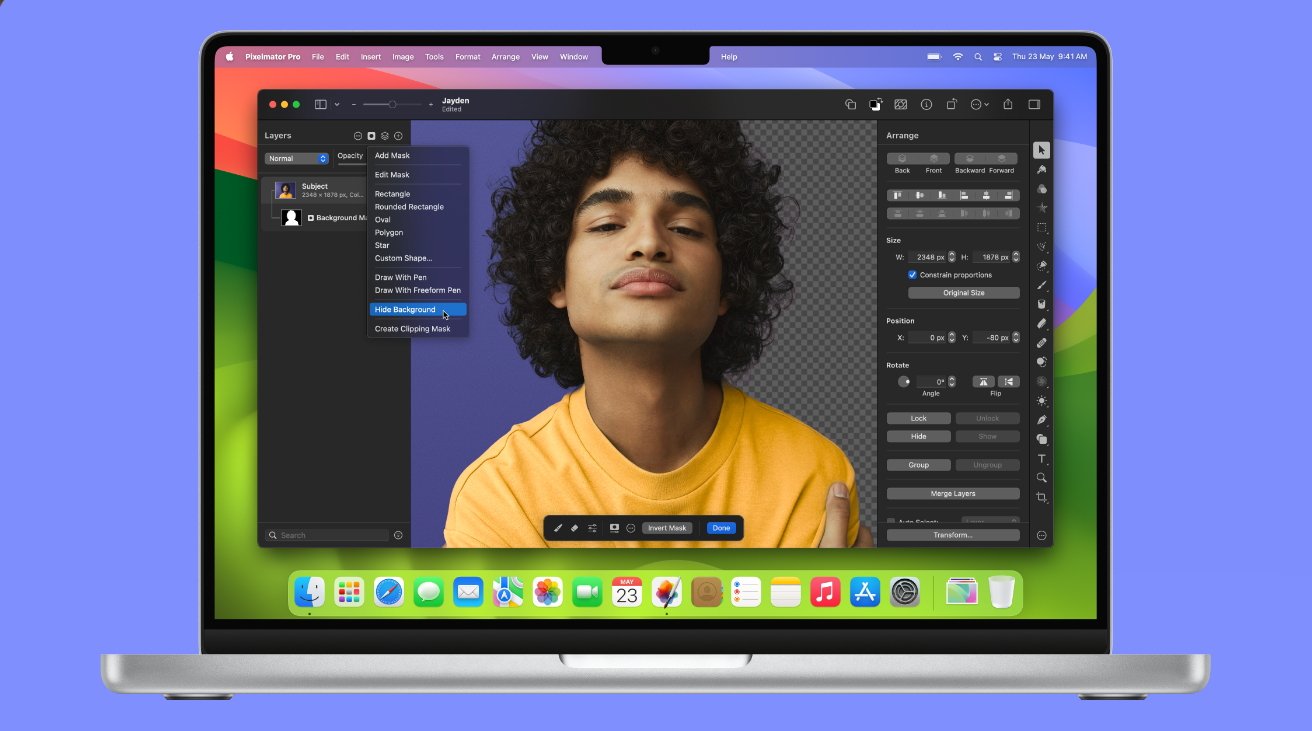
Notice how the right of the image has been removed using the new masking tools
Long-standing Mac image editor Pixelmator Pro gains significant updates multiple times a year, but this newest one is specifically a revamp of a tool at the heart of the app. While there are many ways to select part of an image to work on, the app's masking feature was the quickest to use — but then sometimes fiddly to get just right.
Choosing the Quick Selection tool and dragging over an image still selects parts of it, but an on-screen set of masking tools also appears. With those, users can quickly fine tune what has been selected.
Continue Reading on AppleInsider | Discuss on our Forums