



🔑 What is key in React?
Whenever you render a list in React, you need to assign a key to each item:
const items = ['🚀', '🔥', '💻'];

items.map((item, index) => (

  <li key={index}> {item} </li>

));
At first glance, using the index as the key seems fine...
But here’s the truth: this can lead to subtle UI bugs and performance issues when items are added, removed, or reordered.
💥 Why?
React uses key to:
- Identify which items have changed
- Reuse DOM elements efficiently
- Avoid unnecessary re-renders
When keys are unstable (like shifting indexes), React gets confused and might:
- Update the wrong component
- Lose input focus
- Animate incorrectly
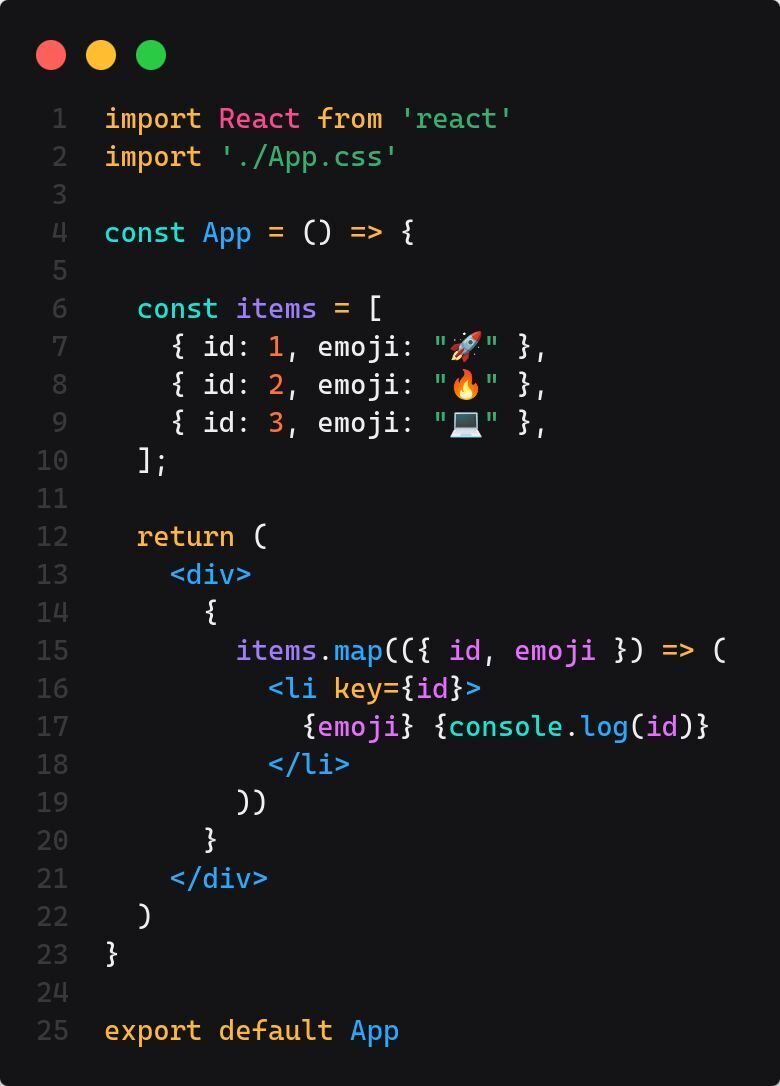
✅ The Better Way
const items = [

  { id: 1, emoji: '🚀' },

  { id: 2, emoji: '🔥' },

  { id: 3, emoji: '💻' },

];


items.map(({id, emoji}) => (

  <li key={id}>

     {emoji} {console.log(id)}

  </li>

));
🧠 This way, each item has a stable identity. React can now confidently handle changes without weird UI glitches.
🚨 Summary
Don’t just use
indexfor the sake of removing a warning.Use unique and stable keys to unlock React’s full rendering power.
This small habit will save you from big bugs later!
💬 Did this clarify something for you?
Let me know in the comments — or just drop a 🔥 if you’ve learned something new!
Click ME to get the original post on LinkedIn.
SOCIAL SHARE CARD GENERATOR