



Author: GitHub - Bewertung: 5x - Views:49
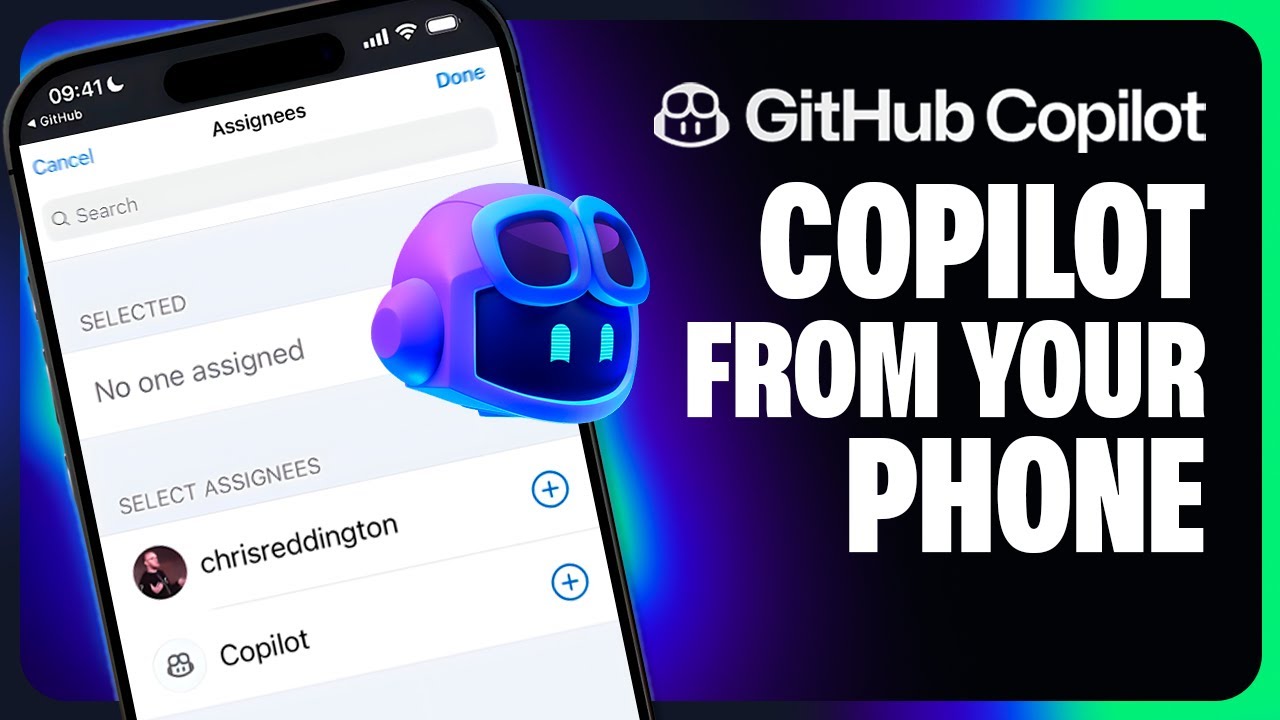
You can now assign issues to GitHub Copilot in the background, freeing you up for other tasks! But this isn't just a "big screen" activity from a laptop or your desktop. You can assign Copilot to issues from your mobile device too! See how we assign an issue to Copilot in the GitHub Mobile app, and explore its progress when viewing http://github.com/ from our mobile. Learn more about the Copilot coding agent at http://gh.io/copilot/coding-agent
▬▬▬▬▬▬ TIMESTAMPS ⌚ ▬▬▬▬▬▬
00:00 - Introducing the GitHub Copilot coding agent
00:12 - Assigning Copilot an issue from the GitHub Mobile app
00:42 - Viewing the pull request in GitHub
00:50 - Viewing the session to see how Copilot approaches the problem
01:04 - Review the code before running GitHub Action workflows
01:18 - Switch the PR from draft, and prepare to merge.
01:26 - Learn more about Copilot coding agent
Stay up-to-date on all things GitHub by connecting with us:
YouTube: https://gh.io/subgithub
Blog: https://github.blog
X: https://twitter.com/github
LinkedIn: https://linkedin.com/company/github
Insider newsletter: https://resources.github.com/newsletter/
Instagram: https://www.instagram.com/github
TikTok: https://www.tiktok.com/@github
About GitHub
It’s where over 100 million developers create, share, and ship the best code possible. It’s a place for anyone, from anywhere, to build anything—it’s where the world builds software. https://github.com