 Posted by
Since the major revamp of the Android Emulator two years ago, we have focused on delivering a fast and feature-rich emulator to help you build great app experiences for users. Today, the Android Emulator is the top device deployed to from Android Studio — more than 2x over physical Android devices. We are humbled to hear from many of you that the Android Emulator has come a long way, but we are not done yet.
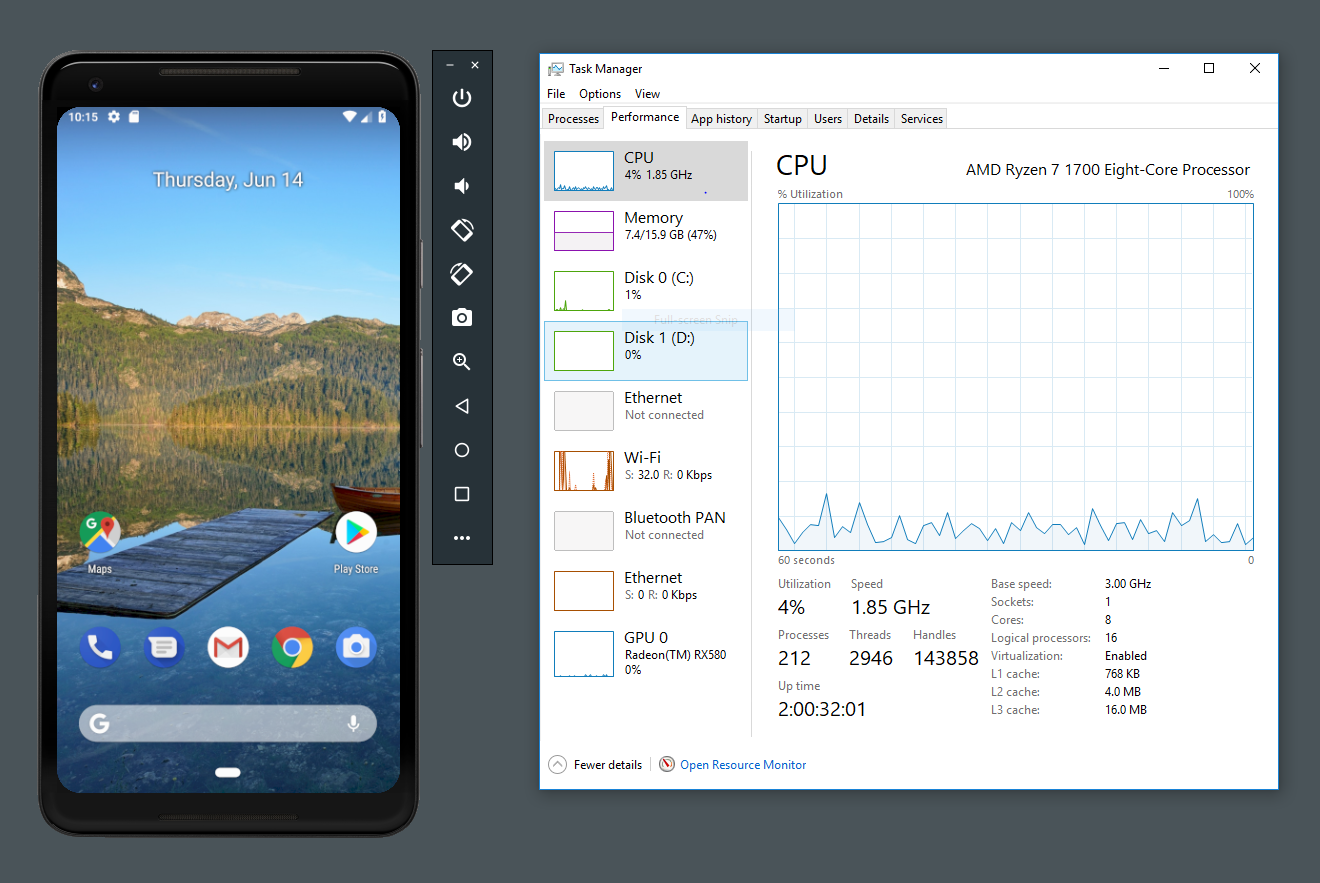
Making the Android Emulator faster is one of the top priorities for the Android Studio team. Over the last few releases, we have launched for quickly starting and resuming emulator sessions in under 2 seconds. Up until now, our emulator experience has almost universally worked on macOS® and Linux computers. But for users of Microsoft® Windows® or the Microsoft® Hyper-V™ platform, our hardware accelerated speed enhancements for the Android Emulator only worked with computers with Intel® processors. Support for AMD® processors and Microsoft Hyper-V hypervisor are two long-standing user requests from the Android developer community that we are happy to address with this Android Emulator update.
Today, you can API and recent open-source contributions from Microsoft, even more Android app developers can take advantage of all the speed improvements and features in the Android Emulator.
(KVM) hypervisor for both Intel and AMD based computers for a fast and performant virtualization solution. An update to the v27.3.8 Android Emulator will offer you the new snapshots UI along with improvements to performance, reliability and resource usage.
macOS
For OS X v10.10 Yosemite and higher, the Android Emulator uses the built-in
Android Emulator - Snapshots Extended Controls
Microsoft Windows
On Intel x86-based computers, the Android Emulator will continue to use Intel HAXM by default. Intel HAXM is a mature and
Again, for existing Windows users who have an Intel-based processor, the Android Emulator will continue to use the faster and recommended Intel HAXM configuration. For those using AMD processors, and those who use Hyper-V hypervisors, this should be an exciting step forward to start using the Android Emulator.
Next Steps & Feedback
Download the latest Android Emulator from the Android Studio 3.2 Beta SDK Manager for the latest performance updates across all supported platforms that you are using. We are going to continue to invest in performance improvements for each of the platforms and we look forward to your feedback and feature requests.
If you find a bug or issue, feel free to page or on


SOCIAL SHARE CARD GENERATOR