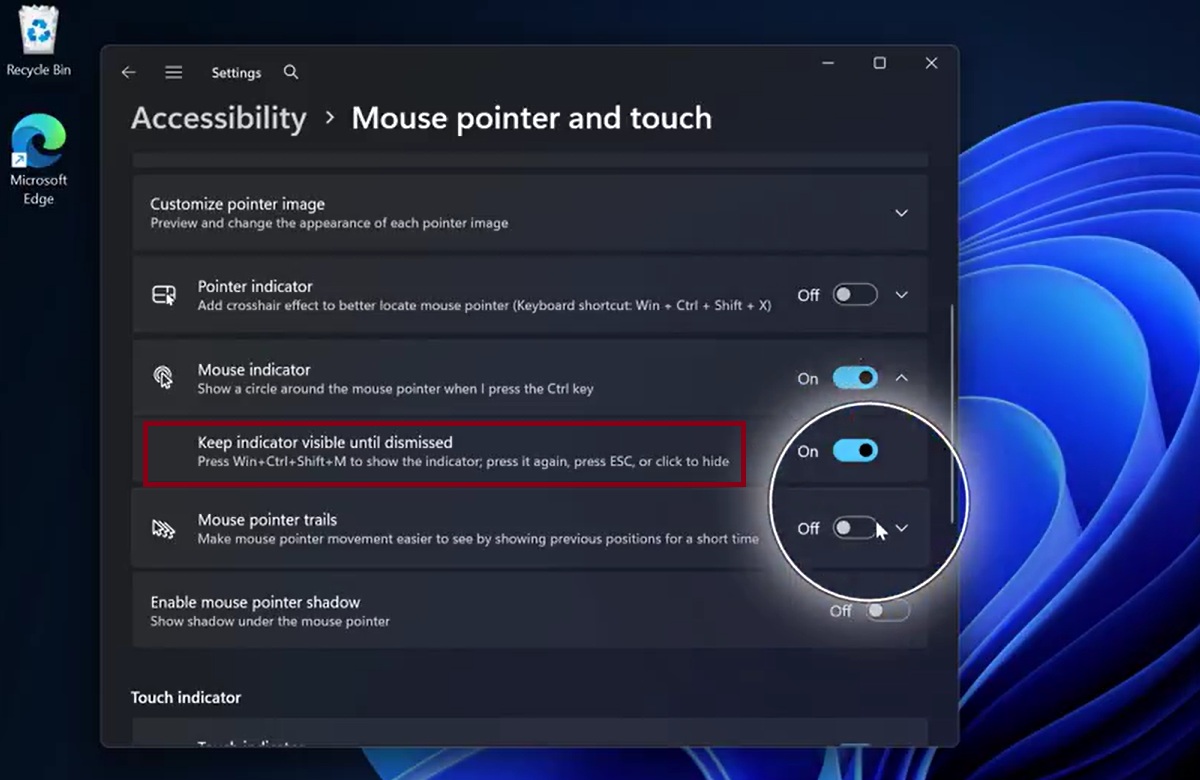
In the 90s, if you couldn’t find the cursor on Windows, you’d rely on the trailing feature and move your mouse around to locate it. In the early 2000s, Microsoft added a feature that lets you press Ctrl to find the cursor, and it became more widely used with Windows XP. That feature has largely remained unchanged, but it’s now being modernized in Windows 11.
If you’re unfamiliar with the feature I’m talking about, open Windows Settings, go to Accessibility, and open the Mouse pointer and touch page. Finally, look for the “Mouse Indicator” toggle and turn it on. Now, press the Ctrl key, and you’ll notice that Windows uses a circle animation to highlight where your cursor is.
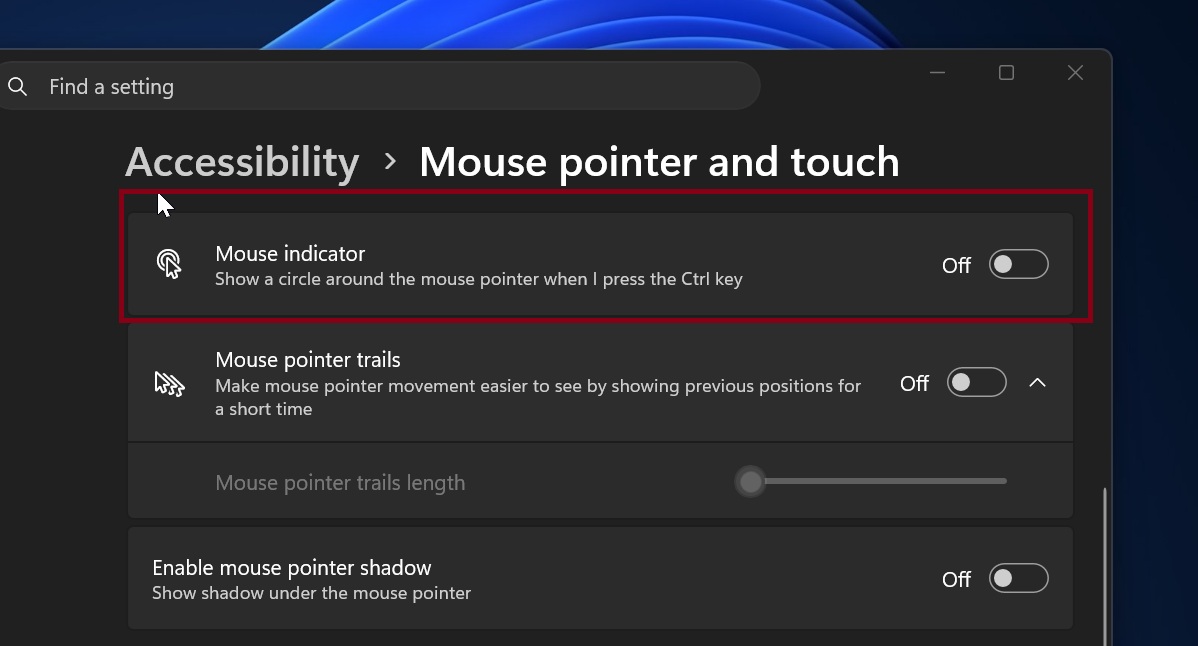
It works well enough, although it’s a bit buggy, but it gets the job done: helping you locate your cursor. I used to rely on it often on my 30-inch monitor until I downloaded PowerToys.
Microsoft PowerToys has a similar feature, but it’s far more useful because it dims the entire screen except for the area where the cursor is hiding, and it can be dismissed with Esc.
Now, as