
YouTube Video
REA Can now Reverse Engineer Any App in Minutes!
👉 Learn How To Start AI Automation: https://skool.com/aimate
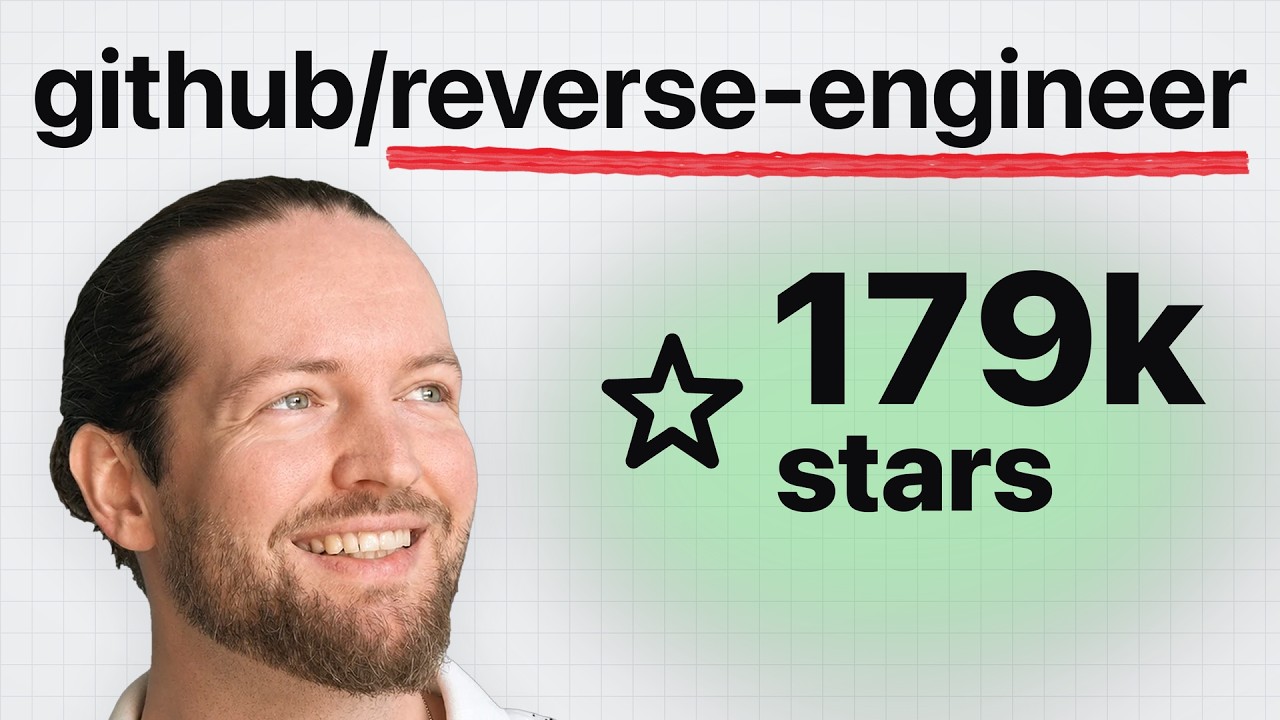
You can now reverse engineer almost any app with REA, the GitHub repo that just passed 170,000 stars. It reads an app down to its binary, finds evidence of how it actually works, and lets Claude Code build you your own version. I used it to clone TickTick, my daily to-do app, into my own app in about an hour, including a calendar view TickTick only gives paying users. Here's how to set it up, the exact prompt I used, and where the clone still falls short.
💬 Want me to clone another app? Comment "REA" and tell me which one.
Hope you enjoyed this video! Subscribe!
TIMESTAMPS:
0:00 Intro
0:44 Step 1: What is REA?
1:56 Step 2: How it works
3:25 Step 3: Set it up
4:29 Step 4: Pick an app (the prompt)
7:41 Step 5: The result – TickTick vs my clone
9:39 Step 6: The catch
11:30 Step 7: Build on top of your own app
TOOLS FROM THE VIDEO
REA: https://github.com/morluto/rea
Ghidra (free decompiler): https://ghidra-sre.org
Hopper (free demo): https://www.hopperapp.com
MORE LINKS
↓
Click Here to Start AI Automation:
https://skool.com/aimate/about
Follow me on Twitter: https://twitter.com/itsaiandy
Follow on Tiktok: https://www.tiktok.com/@andyhafell
Follow on Instagram: https://www.instagram.com/itsaiandy
Follow on Facebook: https://www.facebook.com/Andyhafell
Email for Business Inquiries: [email protected]
👉 Learn How To Start AI Automation: https://skool.com/aimate
You can now reverse engineer almost any app with REA, the GitHub repo that just passed 170,000 stars. It reads an app down to its binary, finds evidence of how it actually works, and lets Claude Code build you your own version. I used it to clone TickTick, my daily to-do app, into my own app in about an hour, including a calendar view TickTick only gives paying users. Here's how to set it up, the exact prompt I used, and where the clone still falls short.
💬 Want me to clone another app? Comment "REA" and tell me which one.
Hope you enjoyed this video! Subscribe!
TIMESTAMPS:
0:00 Intro
0:44 Step 1: What is REA?
1:56 Step 2: How it works
3:25 Step 3: Set it up
4:29 Step 4: Pick an app (the prompt)
7:41 Step 5: The result – TickTick vs my clone
9:39 Step 6: The catch
11:30 Step 7: Build on top of your own app
TOOLS FROM THE VIDEO
REA: https://github.com/morluto/rea
Ghidra (free decompiler): https://ghidra-sre.org
Hopper (free demo): https://www.hopperapp.com
MORE LINKS
↓
Click Here to Start AI Automation:
https://skool.com/aimate/about
Follow me on Twitter: https://twitter.com/itsaiandy
Follow on Tiktok: https://www.tiktok.com/@andyhafell
Follow on Instagram: https://www.instagram.com/itsaiandy
Follow on Facebook: https://www.facebook.com/Andyhafell
Email for Business Inquiries: [email protected]