
Want to make money and save time with AI? Join here: https://www.skool.com/ai-profit-lab-7462/about
Video notes + links to the tools 👉 https://www.skool.com/ai-profit-lab-7462/about
Get a FREE AI Course + Community + 1,000 AI Agents 👉https://www.skool.com/ai-seo-with-julian-goldie-1553/about
Free GEO & AI SEO Checklist! https://orders.goldie.agency/signup
Get a FREE GEO + AEO Strategy Session → https://go.juliangoldie.com/strategy-session?utm=julian
Get 200+ Free AI SEO Prompts → https://go.juliangoldie.com/chat-gpt-prompts?utm=julian
Get our free SEO Link Building Book here: https://go.juliangoldie.com/opt-in?utm=julian
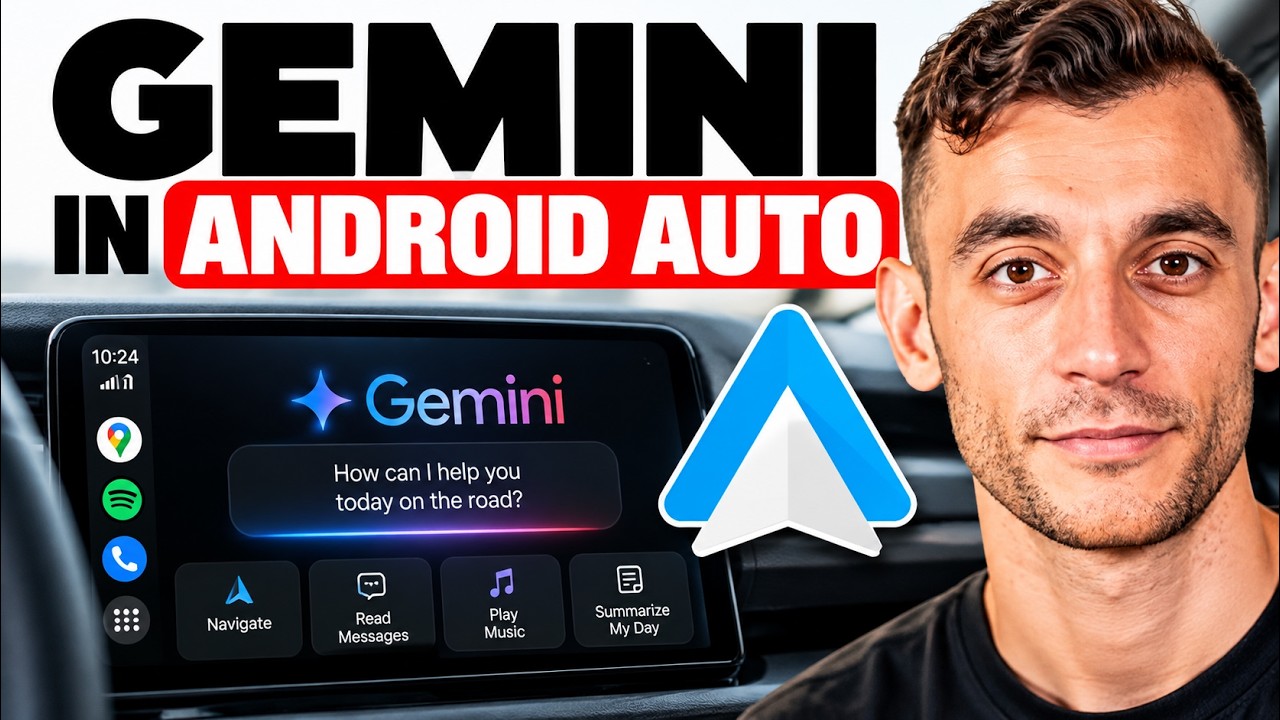
Google just gave Gemini “personal intelligence” in Android Auto — your car can now read your Gmail, Calendar, Photos, and Maps to answer questions while you drive. Here’s exactly what you can ask, who can use it, and the one privacy detail most people skip (plus a safe 4-step way to try it).
00:00 Intro – Your car is about to know you
00:38 The News – Personal intelligence goes live
00:55 Quick History – Gemini's road to your car
01:19 What It Is – Gemini connects to your apps
01:52 Why It Matters – Talk naturally, no explaining
02:35 Beyond Voice Commands – It finds your stuff
03:28 Who Can Use It – Eligibility & regions
03:44 How to Turn It On – Setup in Gemini settings
04:13 What You Can Ask – Real driving examples
04:51 What It Already Did – Existing car features
05:24 Privacy – The detail you must read
06:34 Safe 4-Step Plan – Try it the smart way
06:43 Final Take – Genius or creepy?
Video notes + links to the tools 👉 https://www.skool.com/ai-profit-lab-7462/about
Get a FREE AI Course + Community + 1,000 AI Agents 👉https://www.skool.com/ai-seo-with-julian-goldie-1553/about
Free GEO & AI SEO Checklist! https://orders.goldie.agency/signup
Get a FREE GEO + AEO Strategy Session → https://go.juliangoldie.com/strategy-session?utm=julian
Get 200+ Free AI SEO Prompts → https://go.juliangoldie.com/chat-gpt-prompts?utm=julian
Get our free SEO Link Building Book here: https://go.juliangoldie.com/opt-in?utm=julian
Google just gave Gemini “personal intelligence” in Android Auto — your car can now read your Gmail, Calendar, Photos, and Maps to answer questions while you drive. Here’s exactly what you can ask, who can use it, and the one privacy detail most people skip (plus a safe 4-step way to try it).
00:00 Intro – Your car is about to know you
00:38 The News – Personal intelligence goes live
00:55 Quick History – Gemini's road to your car
01:19 What It Is – Gemini connects to your apps
01:52 Why It Matters – Talk naturally, no explaining
02:35 Beyond Voice Commands – It finds your stuff
03:28 Who Can Use It – Eligibility & regions
03:44 How to Turn It On – Setup in Gemini settings
04:13 What You Can Ask – Real driving examples
04:51 What It Already Did – Existing car features
05:24 Privacy – The detail you must read
06:34 Safe 4-Step Plan – Try it the smart way
06:43 Final Take – Genius or creepy?