
👉 https://higgsfield.ai/s/higgsfield-kling-4-0-yt-ainewsofficial-wjbRmK Try Kling 4.0 on Higgsfield
Product page: https://higgsfield.ai/blog/kling-4-0-on-higgsfield
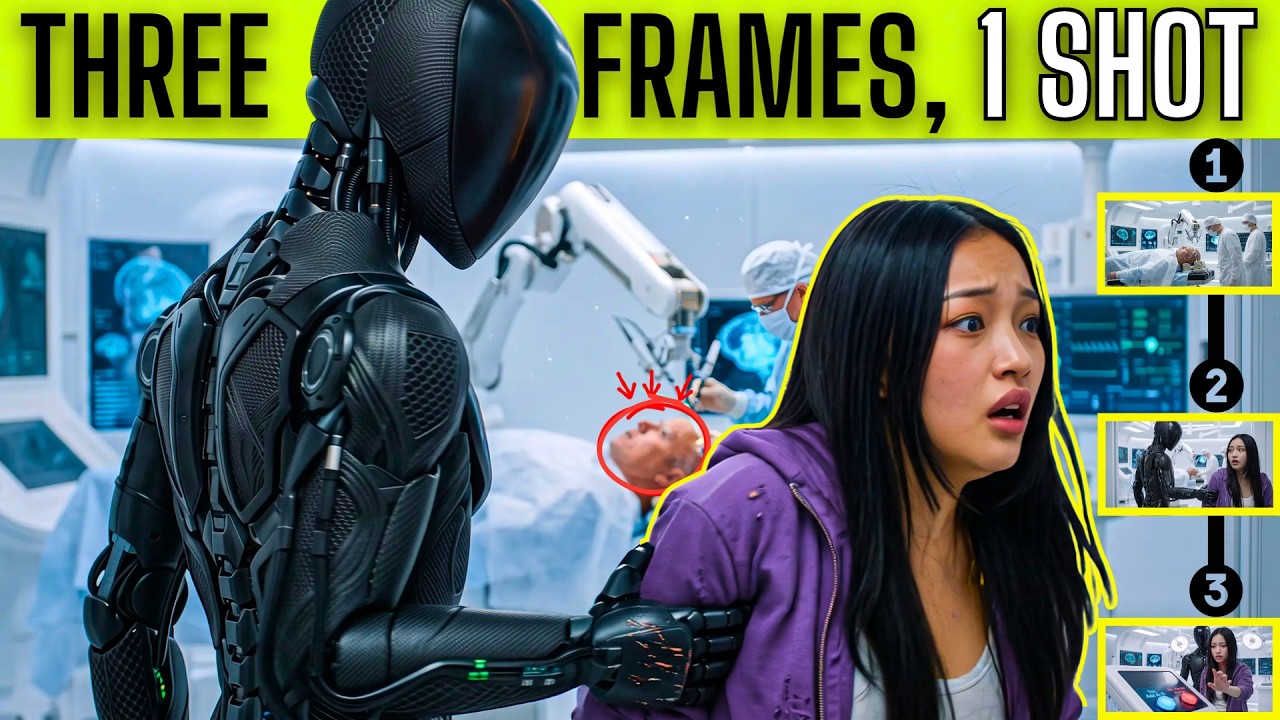
What if one AI video generator could hold a scene for a full 30 seconds? In this video, we direct a 30 second AI video with Kling 4.0 on Higgsfield, planning every moment before we generate. It's AI filmmaking where you set the marks and the model has to hit them. We start with a keyframes AI video workflow and compare the planned frames to the output. Kling 4.0 also supports multi-reference video, so we show the planning side with keyframes and then try AI video editing on a finished clip. Kling 4.0 generates up to 30 seconds in a single clip, twice Kling 3.0's 15-second limit, and Higgsfield gives you References, Frames and Edit video modes in one place, with the credit cost shown on the Generate button before you commit. We show what held together and what slipped, so you can judge for yourself. Plan it, then generate it. Direct your first 30-second scene!
0:00 What can Kling 4.0 do on Higgsfield?
1:33 How do I plan a scene with Frames in Kling 4.0?
2:55 How many credits does a 30-second Kling 4.0 clip cost?
3:21 Did Kling 4.0 hit my keyframes?
4:05 How does Edit video work on Higgsfield?
5:04 Did anything change that we didn't ask for?
#Kling40 #HiggsfieldAI #AIVideoGenerator
Product page: https://higgsfield.ai/blog/kling-4-0-on-higgsfield
What if one AI video generator could hold a scene for a full 30 seconds? In this video, we direct a 30 second AI video with Kling 4.0 on Higgsfield, planning every moment before we generate. It's AI filmmaking where you set the marks and the model has to hit them. We start with a keyframes AI video workflow and compare the planned frames to the output. Kling 4.0 also supports multi-reference video, so we show the planning side with keyframes and then try AI video editing on a finished clip. Kling 4.0 generates up to 30 seconds in a single clip, twice Kling 3.0's 15-second limit, and Higgsfield gives you References, Frames and Edit video modes in one place, with the credit cost shown on the Generate button before you commit. We show what held together and what slipped, so you can judge for yourself. Plan it, then generate it. Direct your first 30-second scene!
0:00 What can Kling 4.0 do on Higgsfield?
1:33 How do I plan a scene with Frames in Kling 4.0?
2:55 How many credits does a 30-second Kling 4.0 clip cost?
3:21 Did Kling 4.0 hit my keyframes?
4:05 How does Edit video work on Higgsfield?
5:04 Did anything change that we didn't ask for?
#Kling40 #HiggsfieldAI #AIVideoGenerator