
Get $600 off either edition of WiCi One, the first wireless GPU, using my link: https://ntck.co/wici_gpu
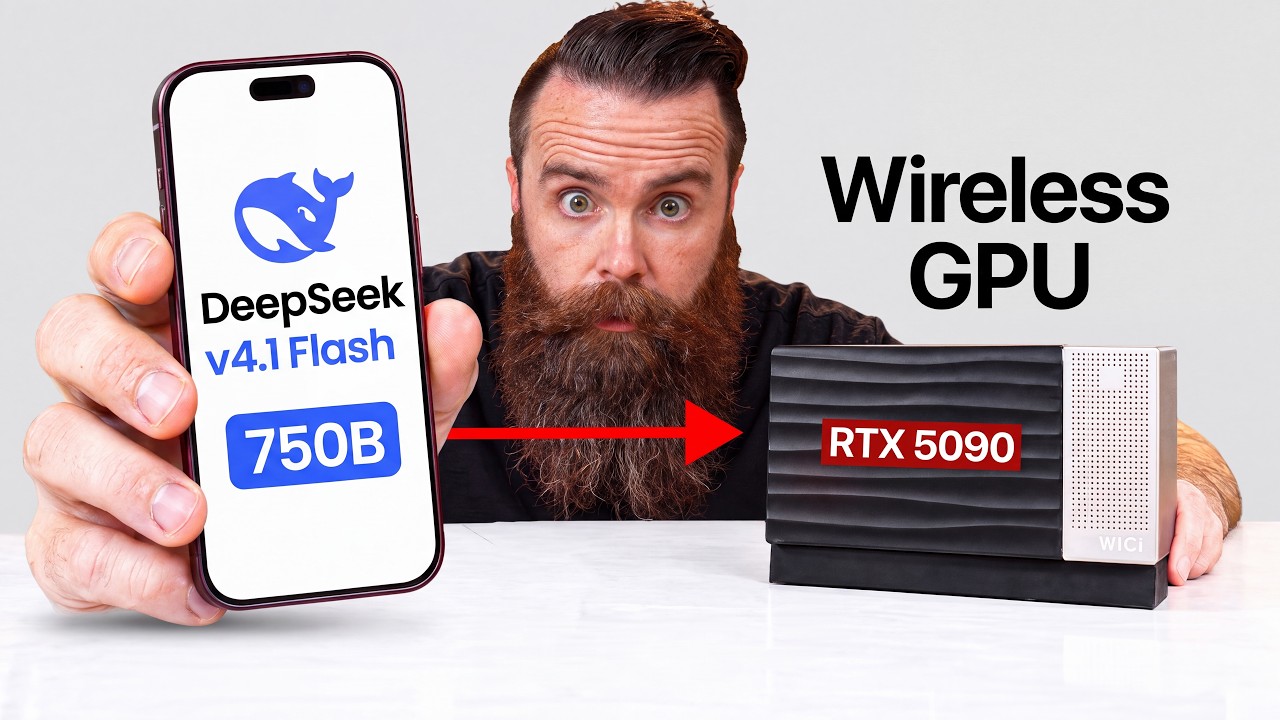
I ran DeepSeek V4.1 Flash, a 750 billion parameter model that normally needs over 500 GB of memory, on a box with only 32 GB of VRAM. Over Wi-Fi. By the numbers that shouldn't work. The box is WiCi One, a GPU every device in your house can share. In this video you'll learn why big local models don't fit on consumer GPUs, and how WiCi got one running anyway.
☕☕ COFFEE and MERCH: https://ntck.co/coffee
*Sponsored by WiCi
RESOURCES / LINKS:
🖥️ WiCi One (RTX 5060 Ti edition, or the RTX 5090 edition I tested), $600 off with my link: https://ntck.co/wici_gpu
🧠 InferSSD, WiCi's open-source engine for running models bigger than your VRAM off an SSD: https://github.com/wici-ai/inferssd
🤖 DeepSeek V4.1 Flash on Hugging Face: https://huggingface.co/deepseek-ai/DeepSeek-V4.1-Flash
🎨 Lovart (AI image and video generation): https://www.lovart.ai
🎨 Figma: https://www.figma.com
Figma and Lovart are cloud apps. For this demo, their AI generation requests were redirected to a model running locally on WiCi One.
TIMESTAMPS:
0:00 - The first Wi-Fi GPU: an RTX 5090 my laptop thinks is its own
0:38 - What WiCi One is, and what's inside the box
2:15 - Why Wi-Fi should be way too slow for a GPU
4:37 - The WiCi protocol: how they made the game and GPU stop talking so much
5:36 - From Tencent cloud gaming to a wireless GPU
6:05 - The two problems holding local AI back
7:32 - Why you can't run frontier-size AI models at home
9:57 - The math on running a 750 billion parameter model
11:59 - Mixture of experts, explained with badminton
13:50 - The four tricks that make DeepSeek V4.1 Flash usable on 32 GB of VRAM
15:16 - Running DeepSeek V4.1 Flash live on WiCi One
17:36 - Why GPUs don't like to share
19:41 - Testing WiCi's scheduler: switching AI models with and without it
21:06 - The family GPU: my verdict, pricing and shipping
22:18 - A prayer for you
**Sponsored by WiCi
SUPPORT NETWORKCHUCK:
☕☕ COFFEE and MERCH: https://ntck.co/coffee
READY TO LEARN??
🔥🔥Join the NetworkChuck Academy!: https://ntck.co/NCAcademy
📚 CCNA Course: https://ntck.co/ccna
FOLLOW ME EVERYWHERE:
Instagram: https://www.instagram.com/networkchuck/
X/Twitter: https://x.com/networkchuck
Facebook: https://www.facebook.com/NetworkChuck/
Join the Discord server: https://ntck.co/discord
Some links in this description are affiliate links. If you buy through them, I may earn a small commission at no extra cost to you. #sponsored
#wici #localai #networkchuck
I ran DeepSeek V4.1 Flash, a 750 billion parameter model that normally needs over 500 GB of memory, on a box with only 32 GB of VRAM. Over Wi-Fi. By the numbers that shouldn't work. The box is WiCi One, a GPU every device in your house can share. In this video you'll learn why big local models don't fit on consumer GPUs, and how WiCi got one running anyway.
☕☕ COFFEE and MERCH: https://ntck.co/coffee
*Sponsored by WiCi
RESOURCES / LINKS:
🖥️ WiCi One (RTX 5060 Ti edition, or the RTX 5090 edition I tested), $600 off with my link: https://ntck.co/wici_gpu
🧠 InferSSD, WiCi's open-source engine for running models bigger than your VRAM off an SSD: https://github.com/wici-ai/inferssd
🤖 DeepSeek V4.1 Flash on Hugging Face: https://huggingface.co/deepseek-ai/DeepSeek-V4.1-Flash
🎨 Lovart (AI image and video generation): https://www.lovart.ai
🎨 Figma: https://www.figma.com
Figma and Lovart are cloud apps. For this demo, their AI generation requests were redirected to a model running locally on WiCi One.
TIMESTAMPS:
0:00 - The first Wi-Fi GPU: an RTX 5090 my laptop thinks is its own
0:38 - What WiCi One is, and what's inside the box
2:15 - Why Wi-Fi should be way too slow for a GPU
4:37 - The WiCi protocol: how they made the game and GPU stop talking so much
5:36 - From Tencent cloud gaming to a wireless GPU
6:05 - The two problems holding local AI back
7:32 - Why you can't run frontier-size AI models at home
9:57 - The math on running a 750 billion parameter model
11:59 - Mixture of experts, explained with badminton
13:50 - The four tricks that make DeepSeek V4.1 Flash usable on 32 GB of VRAM
15:16 - Running DeepSeek V4.1 Flash live on WiCi One
17:36 - Why GPUs don't like to share
19:41 - Testing WiCi's scheduler: switching AI models with and without it
21:06 - The family GPU: my verdict, pricing and shipping
22:18 - A prayer for you
**Sponsored by WiCi
SUPPORT NETWORKCHUCK:
☕☕ COFFEE and MERCH: https://ntck.co/coffee
READY TO LEARN??
🔥🔥Join the NetworkChuck Academy!: https://ntck.co/NCAcademy
📚 CCNA Course: https://ntck.co/ccna
FOLLOW ME EVERYWHERE:
Instagram: https://www.instagram.com/networkchuck/
X/Twitter: https://x.com/networkchuck
Facebook: https://www.facebook.com/NetworkChuck/
Join the Discord server: https://ntck.co/discord
Some links in this description are affiliate links. If you buy through them, I may earn a small commission at no extra cost to you. #sponsored
#wici #localai #networkchuck