Code for this demo → https://goo.gle/vision-ai
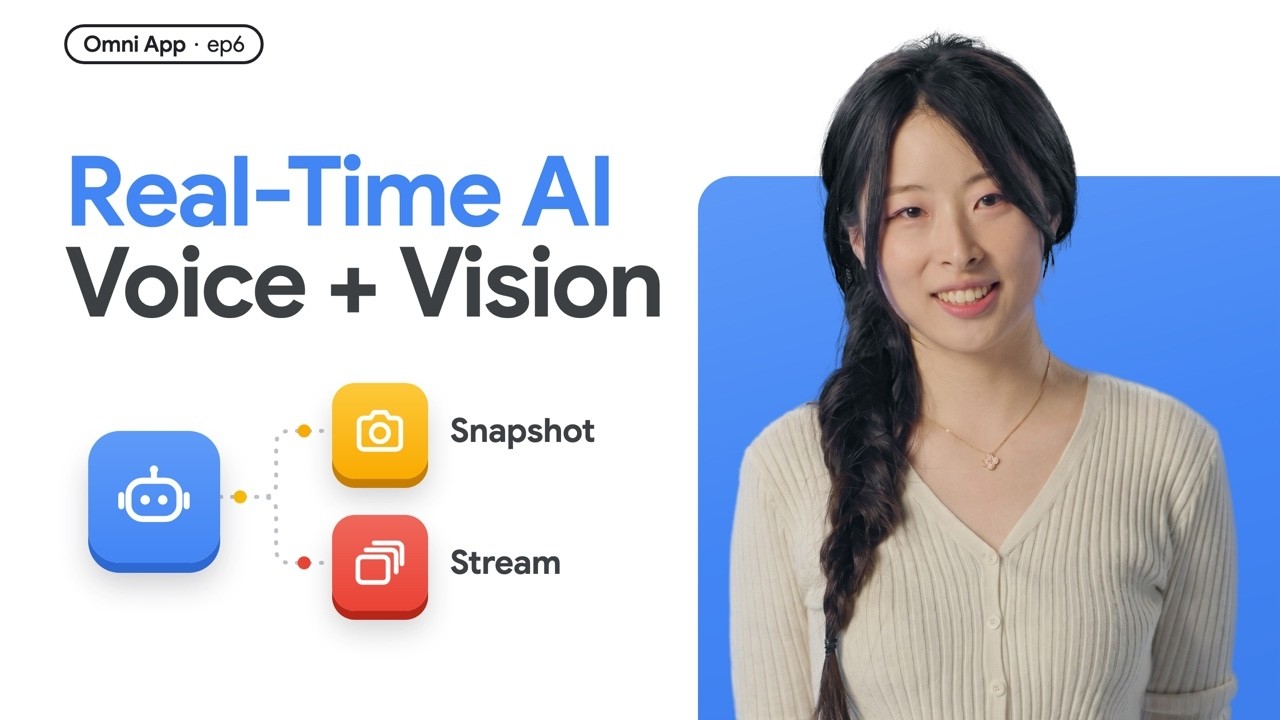
Learn how to build a multimodal AI agent with real-time vision using the Gemini Live API and Google Agent Development Kit (ADK). In this episode, we break down how camera frames enter a live voice session as image Blobs, when to send single snapshots vs. continuous video streams, and how to combine voice and vision without hurting latency or wasting tokens.
What you'll learn:
• End-to-end vision pipeline: Camera → Canvas → JPEG → Image Blob → Model
• Snapshot vs. Stream: Why snapshots should be your default (and why streaming a browser breaks live voice)
• Multimodal architecture: Combining live voice + camera input, plus the separate vision "watcher" pattern
Chapters:
00:00 - Live Vision Demo & Episode Intro
00:37 - How an AI Agent Sees: Image Blobs in a Live Session
01:10 - End-to-End Frame Pipeline (Camera → Canvas → JPEG → Blob)
01:36 - 2 Myths: Live Video Files & "ADK Is Audio-Only"
02:21 - Snapshot vs. Stream: 2 Ways to Send Frames
03:25 - Token Costs & The Browser Streaming Trap
04:18 - Combining Live Voice & Real-Time Vision
05:26 - Advanced Pattern: Separate Vision "Watcher" Model
06:09 - Recap: Practical Rules for Multimodal Agent Vision
06:54 - Full Multimodal Agent Stack & Series Recap Preview
What multimodal AI agent would you build? Share your ideas in the comments!
More resources:
Gemini Live API docs → https://g.dev/cloud/gemini-live
Agent Development Kit (ADK) docs → https://g.dev/cloud/adk-docs
Follow Annie online:
LinkedIn → https://goo.gle/annie-linkedin
X → https://goo.gle/annie-x
Watch more The Omni App → https://g.dev/cloud/modern-ai-app
🔔 Subscribe to Google Cloud Tech → https://goo.gle/GoogleCloudTech
#AIAgents #MultimodalAI #GeminiLiveAPI #ComputerVision #GoogleCloud #AgenticAI
Speaker: Annie Wang
Products Mentioned: Gemini Live API, Agent Development Kit (ADK), Google Gen AI SDK
Learn how to build a multimodal AI agent with real-time vision using the Gemini Live API and Google Agent Development Kit (ADK). In this episode, we break down how camera frames enter a live voice session as image Blobs, when to send single snapshots vs. continuous video streams, and how to combine voice and vision without hurting latency or wasting tokens.
What you'll learn:
• End-to-end vision pipeline: Camera → Canvas → JPEG → Image Blob → Model
• Snapshot vs. Stream: Why snapshots should be your default (and why streaming a browser breaks live voice)
• Multimodal architecture: Combining live voice + camera input, plus the separate vision "watcher" pattern
Chapters:
00:00 - Live Vision Demo & Episode Intro
00:37 - How an AI Agent Sees: Image Blobs in a Live Session
01:10 - End-to-End Frame Pipeline (Camera → Canvas → JPEG → Blob)
01:36 - 2 Myths: Live Video Files & "ADK Is Audio-Only"
02:21 - Snapshot vs. Stream: 2 Ways to Send Frames
03:25 - Token Costs & The Browser Streaming Trap
04:18 - Combining Live Voice & Real-Time Vision
05:26 - Advanced Pattern: Separate Vision "Watcher" Model
06:09 - Recap: Practical Rules for Multimodal Agent Vision
06:54 - Full Multimodal Agent Stack & Series Recap Preview
What multimodal AI agent would you build? Share your ideas in the comments!
More resources:
Gemini Live API docs → https://g.dev/cloud/gemini-live
Agent Development Kit (ADK) docs → https://g.dev/cloud/adk-docs
Follow Annie online:
LinkedIn → https://goo.gle/annie-linkedin
X → https://goo.gle/annie-x
Watch more The Omni App → https://g.dev/cloud/modern-ai-app
🔔 Subscribe to Google Cloud Tech → https://goo.gle/GoogleCloudTech
#AIAgents #MultimodalAI #GeminiLiveAPI #ComputerVision #GoogleCloud #AgenticAI
Speaker: Annie Wang
Products Mentioned: Gemini Live API, Agent Development Kit (ADK), Google Gen AI SDK