
https://aka.ms/foundry-portal
https://aka.ms/InsideMicrosoftFoundryPlaylist
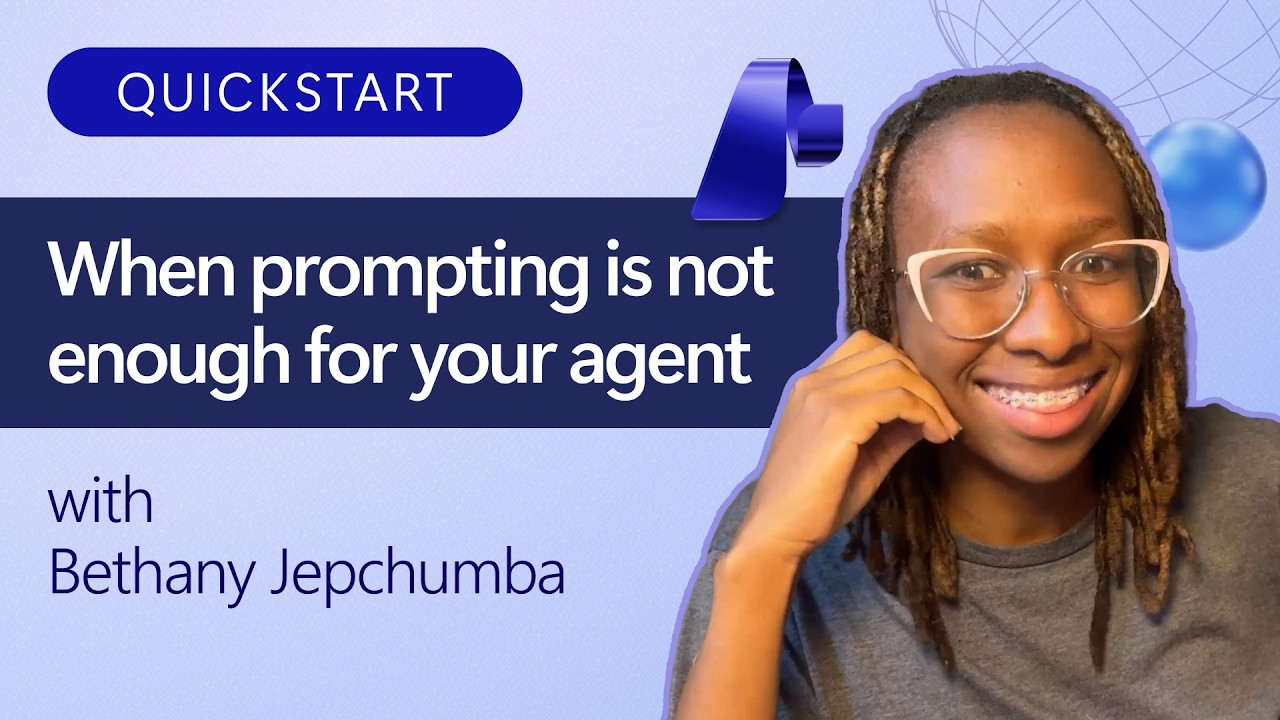
You've rewritten Sparkles' instructions five times, and it still misses details or confirms orders too early. Another prompt tweak is just another guess. You use Agent Optimizer in Microsoft Foundry to turn that guesswork into a measured improvement loop. Start with a representative evaluation dataset and clear success criteria, score the current agent, then let the optimizer generate and evaluate candidate instructions. Compare the results against your baseline, review exactly what changed, and check the strongest candidate on held-out cases before shipping a new agent version. By the end, you'll know how to improve your agent's configuration, not retrain its model, with evidence that the changes actually help.
0:00 - Fix Inconsistent Agent Responses
0:36 - Introducing Agent Optimization
1:07 - Create a New Optimization
1:41 - Configure the Optimization Approach
2:14 - Select Candidate and Evaluator Models
2:47 - Use Production Traces as Data
3:20 - Review Estimated Optimization Costs
3:54 - Run the Agent Optimizer
4:29 - Compare Baseline and Candidates
5:02 - Analyze Quality and Latency
5:35 - Review Evaluation Scores
6:08 - Inspect Passed and Failed Tests
6:40 - Find Sensitive Information Disclosures
7:14 - Improve Your Agent from Results
7:47 - Agent Optimizer Recap and Next Steps
https://aka.ms/InsideMicrosoftFoundryPlaylist
You've rewritten Sparkles' instructions five times, and it still misses details or confirms orders too early. Another prompt tweak is just another guess. You use Agent Optimizer in Microsoft Foundry to turn that guesswork into a measured improvement loop. Start with a representative evaluation dataset and clear success criteria, score the current agent, then let the optimizer generate and evaluate candidate instructions. Compare the results against your baseline, review exactly what changed, and check the strongest candidate on held-out cases before shipping a new agent version. By the end, you'll know how to improve your agent's configuration, not retrain its model, with evidence that the changes actually help.
0:00 - Fix Inconsistent Agent Responses
0:36 - Introducing Agent Optimization
1:07 - Create a New Optimization
1:41 - Configure the Optimization Approach
2:14 - Select Candidate and Evaluator Models
2:47 - Use Production Traces as Data
3:20 - Review Estimated Optimization Costs
3:54 - Run the Agent Optimizer
4:29 - Compare Baseline and Candidates
5:02 - Analyze Quality and Latency
5:35 - Review Evaluation Scores
6:08 - Inspect Passed and Failed Tests
6:40 - Find Sensitive Information Disclosures
7:14 - Improve Your Agent from Results
7:47 - Agent Optimizer Recap and Next Steps