
YouTube Video
How can you build an Azure Cosmos DB application with AI-assisted development? Start with a blank folder, a product specification, and local tools, then generate a working AI travel planner. Explore the repo: https://aka.ms/cosmos-travel-planner See all episodes here: https://aka.ms/CodeWithCosmosPlaylist
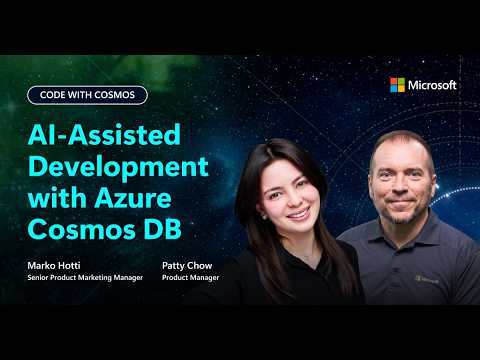
Marko Hotti and Patty Chow explain how to model data, design containers, write queries, and test application code locally with the Azure Cosmos DB Linux emulator, GitHub Copilot in Visual Studio Code, the Azure Cosmos DB Agent Kit, and MCP Toolkit. The workflow does not require an Azure subscription.
💻 GitHub repo: https://aka.ms/cosmos-travel-planner
▶️ Watch the full series: https://aka.ms/CodeWithCosmosPlaylist
Try Azure Cosmos DB for free: https://aka.ms/trycosmosfree
Marko Hotti and Patty Chow explain how to model data, design containers, write queries, and test application code locally with the Azure Cosmos DB Linux emulator, GitHub Copilot in Visual Studio Code, the Azure Cosmos DB Agent Kit, and MCP Toolkit. The workflow does not require an Azure subscription.
💻 GitHub repo: https://aka.ms/cosmos-travel-planner
▶️ Watch the full series: https://aka.ms/CodeWithCosmosPlaylist
Try Azure Cosmos DB for free: https://aka.ms/trycosmosfree