
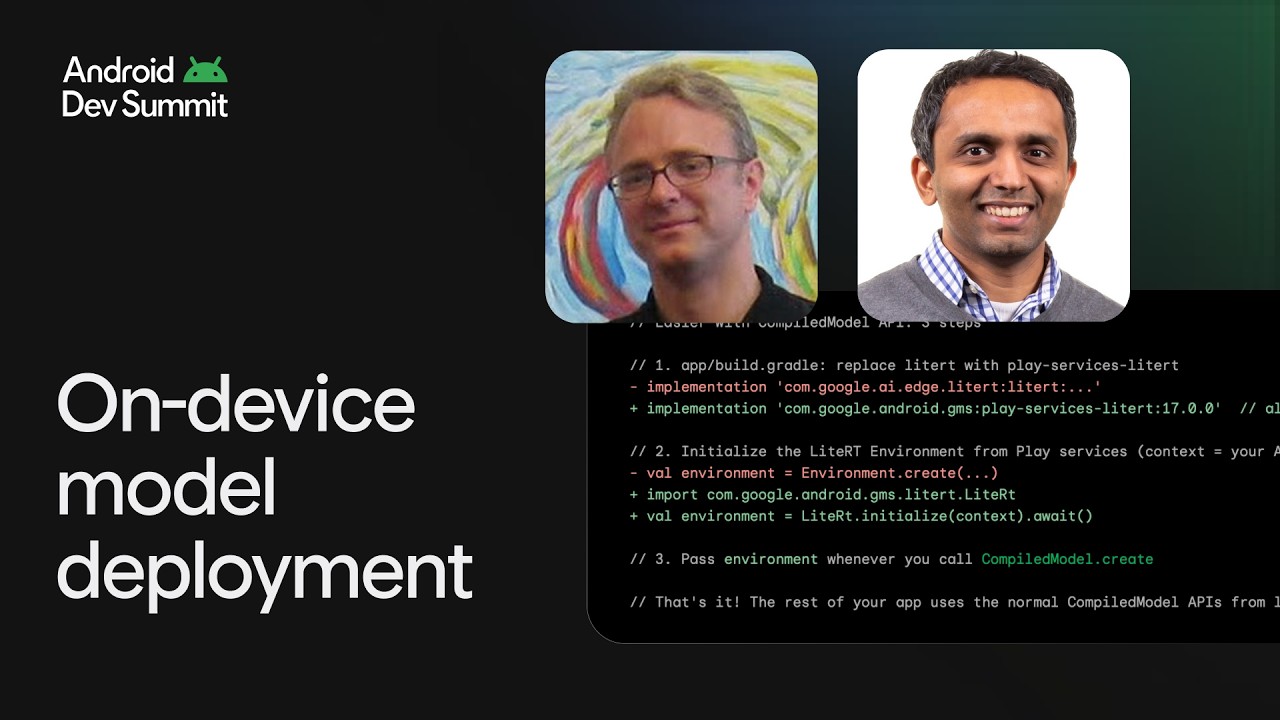
Stop choosing between plug-and-play AI convenience and custom model flexibility—you can deploy both in a single, ultra-lean app without adding megabytes of binary bloat.
In this session, we’ll demonstrate how to build this exact dual-stack architecture in a single Android app. You’ll see how to leverage ML Kit for ready-to-use classical ML tasks (like doc scan) alongside LiteRT standalone in Play services for your custom computer vision or audio workloads. We’ll dive deep into how both implementation paths unite under the hood to utilize the modern LiteRT runtime, giving your app seamless, hardware-accelerated performance on CPU and GPUs with a virtually zero-byte download footprint.
Key takeaways for developers:
- Uncompromised performance: Both turnkey and custom models are hardware-accelerated automatically using the unified CompiledModel API.
- Micro-APKs: Dramatically reduce your app’s download size by offloading both the ML Kit and LiteRT runtimes to Play services.
- Hybrid integration: Master running multiple ML workflows side-by-side in production without resource conflicts.
Resources:
LiteRT → https://goo.gle/4shVTRw
LiteRT GitHub → https://goo.gle/4jCj4UC
LiteRT samples → https://goo.gle/4zSIwKu
LiteRT blog → https://goo.gle/4yW1tep
Speakers: Chintan Parikh, Fergus Henderson
Chapters:
0:00 - Introduction and overview of LiteRT
5:53 - Why run AI on-device
9:31 - What is new with LiteRT
13:42 - Overview of the sample application
16:15 - Custom models on LiteRT
18:53 - GPU acceleration with compiled model API
22:24 - Using LiteRT in Google play services
29:01 - LiteRT roadmap and summary
Watch the intelligent apps sessions from Android Dev Summit 2026 → https://goo.gle/ADS26-Intelligent-Apps
Watch all the sessions from Android Dev Summit 2026 → https://goo.gle/ADS26-All-Sessions
Subscribe to Android Developers → https://goo.gle/AndroidDevs
#AndroidDevSummit2026
Event: Android Dev Summit 2026
Products Mentioned: ML Kit, LiteRT, Google Play services
In this session, we’ll demonstrate how to build this exact dual-stack architecture in a single Android app. You’ll see how to leverage ML Kit for ready-to-use classical ML tasks (like doc scan) alongside LiteRT standalone in Play services for your custom computer vision or audio workloads. We’ll dive deep into how both implementation paths unite under the hood to utilize the modern LiteRT runtime, giving your app seamless, hardware-accelerated performance on CPU and GPUs with a virtually zero-byte download footprint.
Key takeaways for developers:
- Uncompromised performance: Both turnkey and custom models are hardware-accelerated automatically using the unified CompiledModel API.
- Micro-APKs: Dramatically reduce your app’s download size by offloading both the ML Kit and LiteRT runtimes to Play services.
- Hybrid integration: Master running multiple ML workflows side-by-side in production without resource conflicts.
Resources:
LiteRT → https://goo.gle/4shVTRw
LiteRT GitHub → https://goo.gle/4jCj4UC
LiteRT samples → https://goo.gle/4zSIwKu
LiteRT blog → https://goo.gle/4yW1tep
Speakers: Chintan Parikh, Fergus Henderson
Chapters:
0:00 - Introduction and overview of LiteRT
5:53 - Why run AI on-device
9:31 - What is new with LiteRT
13:42 - Overview of the sample application
16:15 - Custom models on LiteRT
18:53 - GPU acceleration with compiled model API
22:24 - Using LiteRT in Google play services
29:01 - LiteRT roadmap and summary
Watch the intelligent apps sessions from Android Dev Summit 2026 → https://goo.gle/ADS26-Intelligent-Apps
Watch all the sessions from Android Dev Summit 2026 → https://goo.gle/ADS26-All-Sessions
Subscribe to Android Developers → https://goo.gle/AndroidDevs
#AndroidDevSummit2026
Event: Android Dev Summit 2026
Products Mentioned: ML Kit, LiteRT, Google Play services