
Want to make money and save time with AI? Join here: https://www.skool.com/ai-profit-lab-7462/about
Video notes + links to the tools 👉 https://www.skool.com/ai-profit-lab-7462/about
Get a FREE AI Course + Community + 1,000 AI Agents 👉https://www.skool.com/ai-seo-with-julian-goldie-1553/about
Order AI SEO here → https://go.juliangoldie.com/backlink-portal
Free GEO & AI SEO Checklist! https://orders.goldie.agency/signup
Get a FREE GEO + AEO Strategy Session → https://go.juliangoldie.com/strategy-session?utm=julian
Get 200+ Free AI SEO Prompts → https://go.juliangoldie.com/chat-gpt-prompts?utm=julian
Get our free SEO Link Building Book here: https://go.juliangoldie.com/opt-in?utm=julian
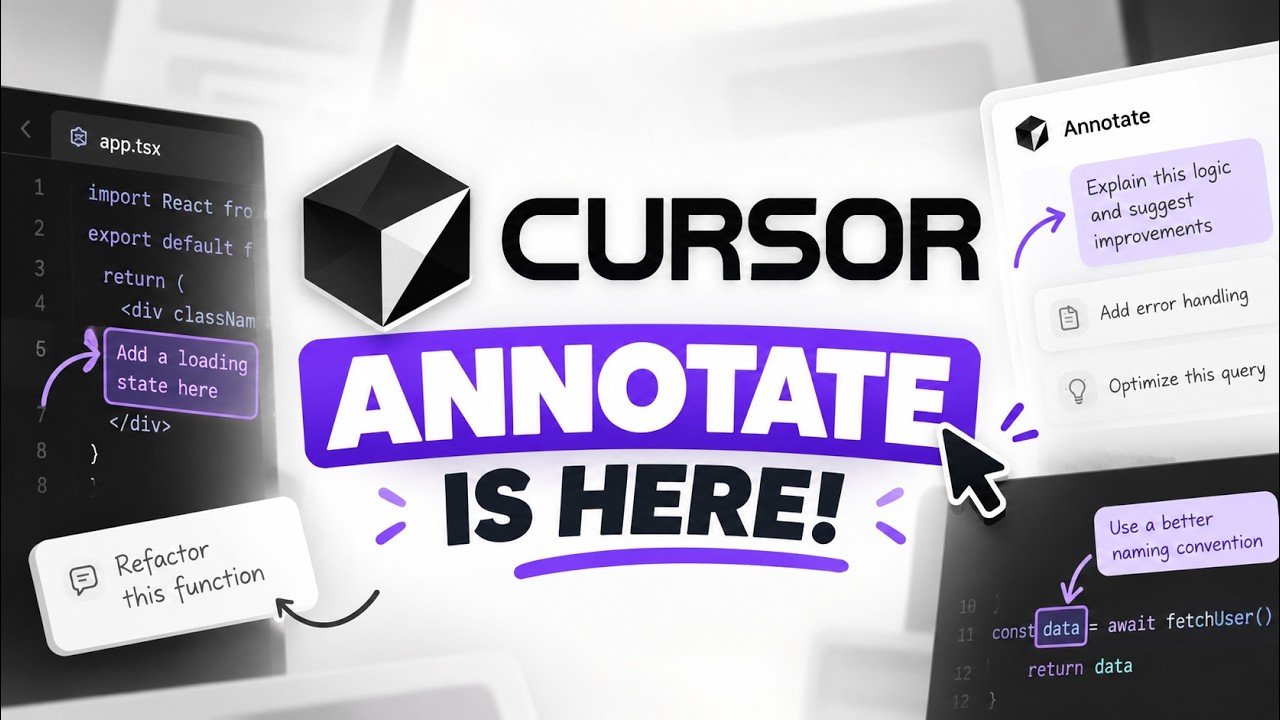
Stop typing long prompts and getting the wrong button changed. Cursor’s new Annotate feature lets you point, draw, and talk to the AI directly on your running app. Here’s how to turn it on, all 6 ways to use it, and the limits nobody’s mentioning.
00:00 Intro – Why typing prompts slows down AI coding
00:41 What Is Annotate – Visual prompts inside Design Mode
01:08 Setup – Version requirements and how to turn it on
01:40 6 Ways to Leave Notes – Click, select, draw, edit, CSS, voice
03:30 What the AI Sees – Element details and screenshots
04:00 Batch Edits – Send multiple changes in one click
04:32 Redesign Workflow – Full example step by step
05:00 Annotate vs Prompting – Why pointing beats describing
05:40 Who It’s For – Designers, developers, non-coders
05:57 Limitations – What to know before relying on it
06:36 Final Verdict – Is it worth using?
Video notes + links to the tools 👉 https://www.skool.com/ai-profit-lab-7462/about
Get a FREE AI Course + Community + 1,000 AI Agents 👉https://www.skool.com/ai-seo-with-julian-goldie-1553/about
Order AI SEO here → https://go.juliangoldie.com/backlink-portal
Free GEO & AI SEO Checklist! https://orders.goldie.agency/signup
Get a FREE GEO + AEO Strategy Session → https://go.juliangoldie.com/strategy-session?utm=julian
Get 200+ Free AI SEO Prompts → https://go.juliangoldie.com/chat-gpt-prompts?utm=julian
Get our free SEO Link Building Book here: https://go.juliangoldie.com/opt-in?utm=julian
Stop typing long prompts and getting the wrong button changed. Cursor’s new Annotate feature lets you point, draw, and talk to the AI directly on your running app. Here’s how to turn it on, all 6 ways to use it, and the limits nobody’s mentioning.
00:00 Intro – Why typing prompts slows down AI coding
00:41 What Is Annotate – Visual prompts inside Design Mode
01:08 Setup – Version requirements and how to turn it on
01:40 6 Ways to Leave Notes – Click, select, draw, edit, CSS, voice
03:30 What the AI Sees – Element details and screenshots
04:00 Batch Edits – Send multiple changes in one click
04:32 Redesign Workflow – Full example step by step
05:00 Annotate vs Prompting – Why pointing beats describing
05:40 Who It’s For – Designers, developers, non-coders
05:57 Limitations – What to know before relying on it
06:36 Final Verdict – Is it worth using?