
Want to make money and save time with AI? Join here: https://www.skool.com/ai-profit-lab-7462/about
Video notes + links to the tools 👉 https://www.skool.com/ai-profit-lab-7462/about
Get a FREE AI Course + Community + 1,000 AI Agents 👉https://www.skool.com/ai-seo-with-julian-goldie-1553/about
Order AI SEO here → https://go.juliangoldie.com/backlink-portal
Free GEO & AI SEO Checklist! https://orders.goldie.agency/signup
Get a FREE GEO + AEO Strategy Session → https://go.juliangoldie.com/strategy-session?utm=julian
Get 200+ Free AI SEO Prompts → https://go.juliangoldie.com/chat-gpt-prompts?utm=julian
Get our free SEO Link Building Book here: https://go.juliangoldie.com/opt-in?utm=julian
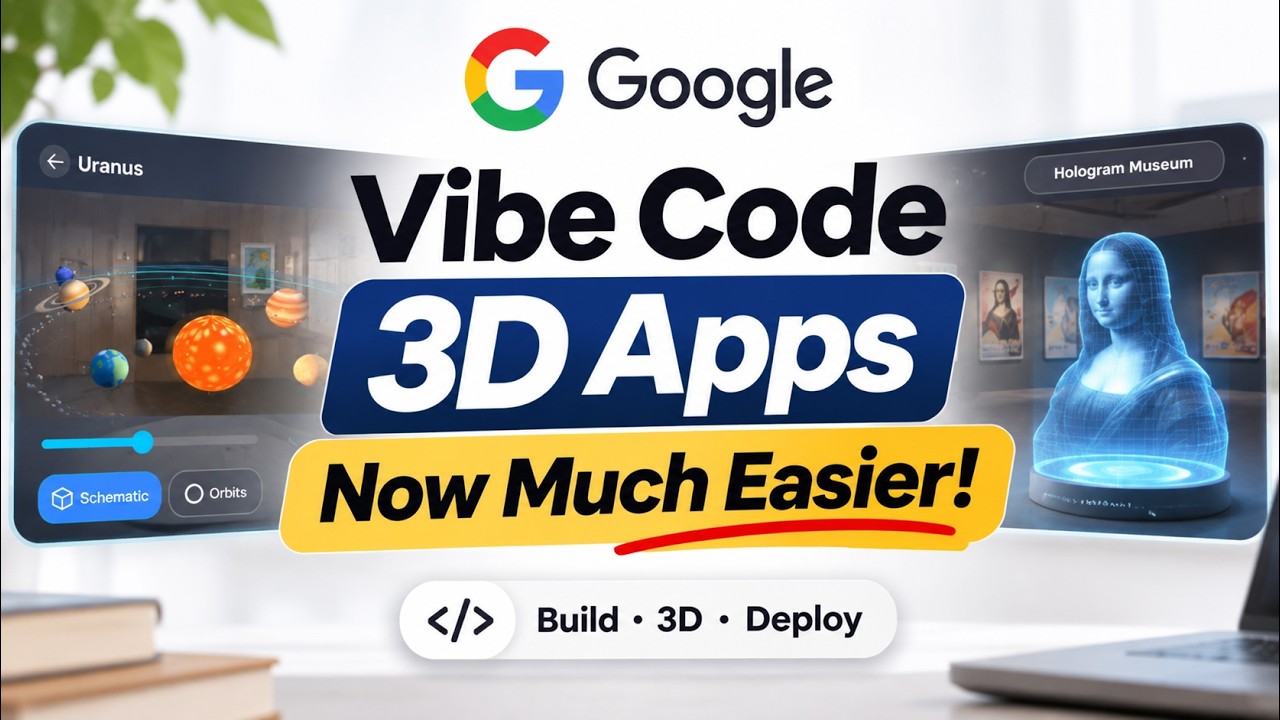
Google just made building 3D apps as easy as typing one sentence. Learn how to use XR Blocks in AI Studio to create hand-tracking, physics-based 3D apps in Chrome, with no game engine needed. Plus: the one feature that needs a paid API key.
00:00 Intro – 3D Apps From One Sentence
00:33 What’s New – XR Blocks in AI Studio
01:56 Start Here – Build Your First App
03:04 Where to Run – Headset or Desktop
03:38 Prompt Formula – Scene + Interactions
05:01 Gestures – What XR Blocks Detects
05:28 Holograms – 3D From Text or Image
06:02 API Key – The Catch + Safety Tips
06:27 Beginner Workflow – Build Step by Step
06:42 Limits – Prototype Only
07:13 Recap – Key Takeaways
Video notes + links to the tools 👉 https://www.skool.com/ai-profit-lab-7462/about
Get a FREE AI Course + Community + 1,000 AI Agents 👉https://www.skool.com/ai-seo-with-julian-goldie-1553/about
Order AI SEO here → https://go.juliangoldie.com/backlink-portal
Free GEO & AI SEO Checklist! https://orders.goldie.agency/signup
Get a FREE GEO + AEO Strategy Session → https://go.juliangoldie.com/strategy-session?utm=julian
Get 200+ Free AI SEO Prompts → https://go.juliangoldie.com/chat-gpt-prompts?utm=julian
Get our free SEO Link Building Book here: https://go.juliangoldie.com/opt-in?utm=julian
Google just made building 3D apps as easy as typing one sentence. Learn how to use XR Blocks in AI Studio to create hand-tracking, physics-based 3D apps in Chrome, with no game engine needed. Plus: the one feature that needs a paid API key.
00:00 Intro – 3D Apps From One Sentence
00:33 What’s New – XR Blocks in AI Studio
01:56 Start Here – Build Your First App
03:04 Where to Run – Headset or Desktop
03:38 Prompt Formula – Scene + Interactions
05:01 Gestures – What XR Blocks Detects
05:28 Holograms – 3D From Text or Image
06:02 API Key – The Catch + Safety Tips
06:27 Beginner Workflow – Build Step by Step
06:42 Limits – Prototype Only
07:13 Recap – Key Takeaways