You can now shut down your PC without having to wait for it to finish installing an update. The buttons “Shut down” and “Restart” finally do what they are supposed to do, even after a Windows update has finished downloading.
To be honest, this was a long-overdue fix and should’ve always been this way. In case you didn’t understand what just changed: after a Windows update finished downloading, either in the background or after you clicked the “Download now” button, if you clicked the Shut down button, your PC would first install the update, restart, and then wake up in the process.
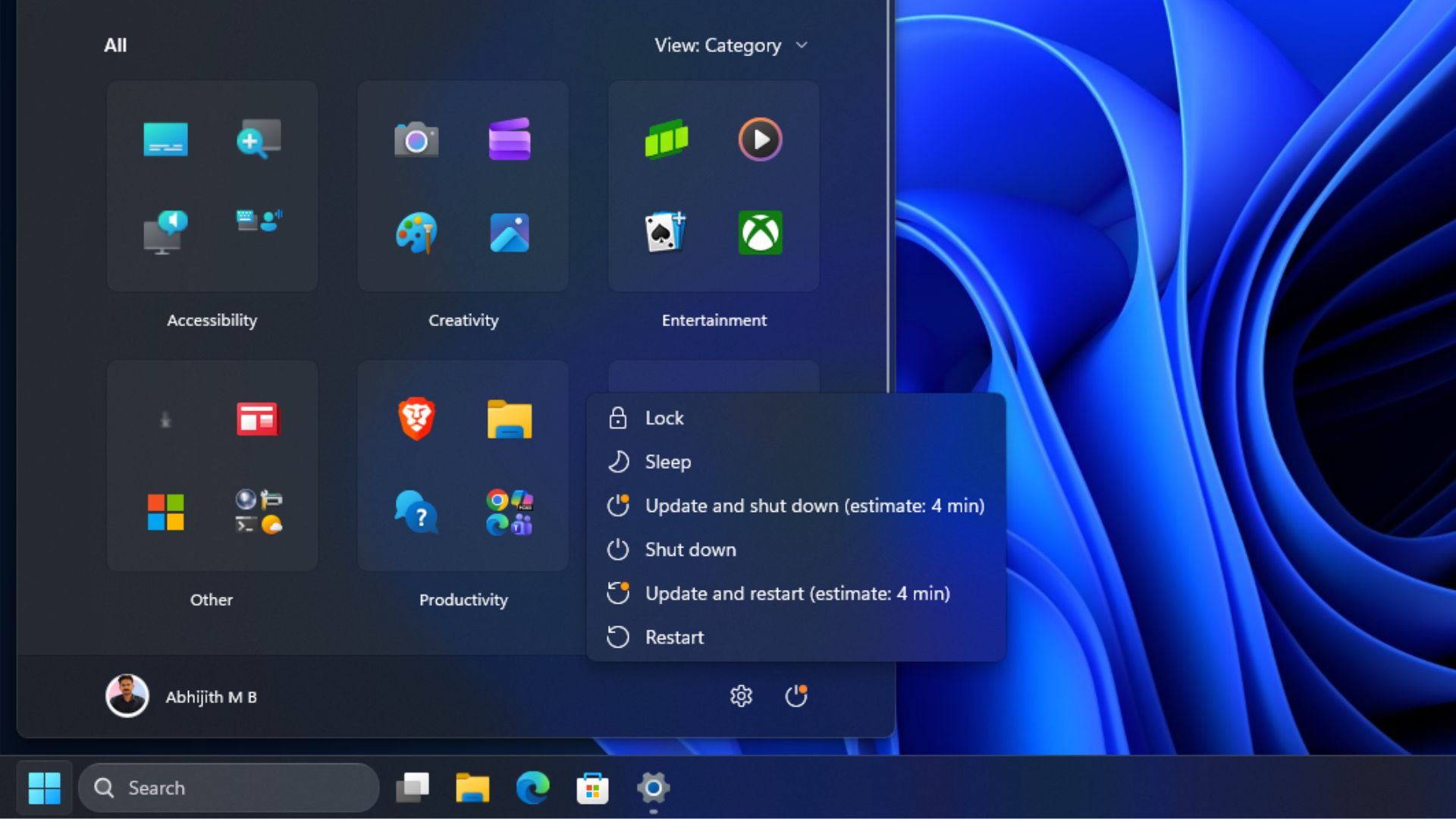
After several consistent experiences of these buttons not working as they should, I have conditioned myself to this behaviour and always expect my PC to install the update and restart whichever button I press.
But when I clicked Shut down after downloading the August 2026 Optional Update, my PC just shut down, instead of installing the update and restarting as it did till now.

SOCIAL SHARE CARD GENERATOR