
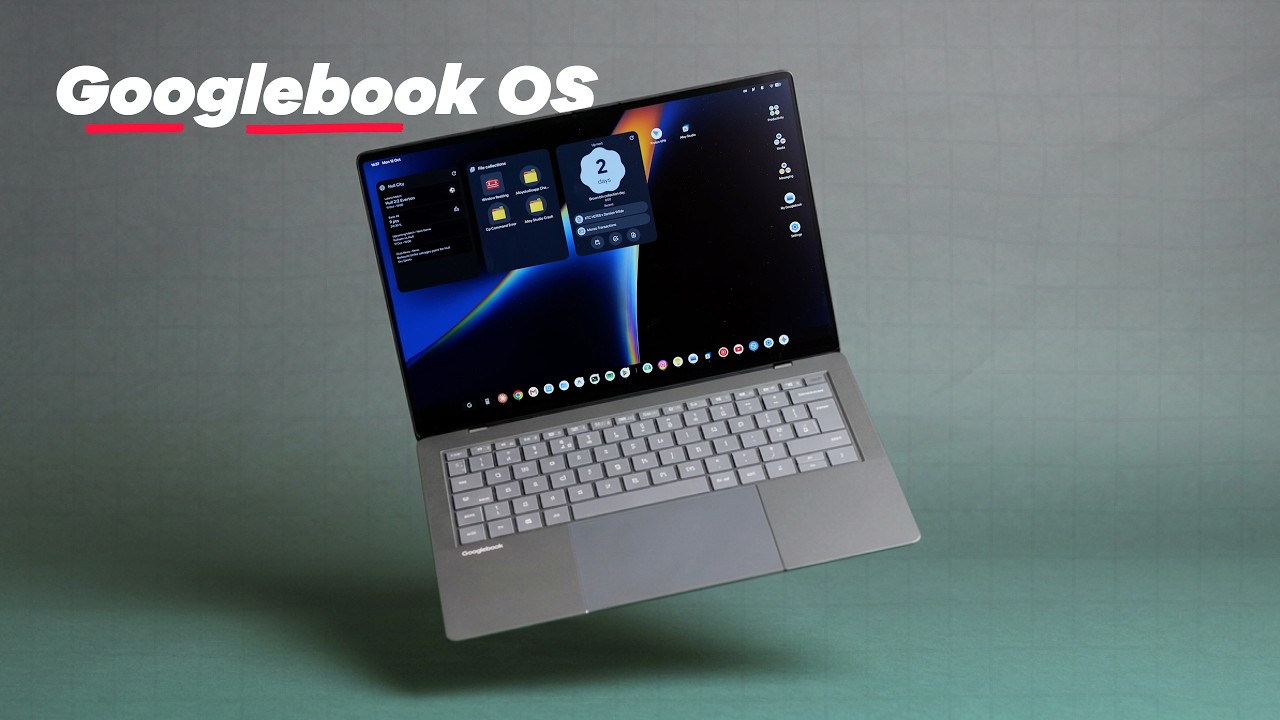
YouTube Video
Is Googlebook OS the future of desktop computing, or just another experiment? In this deep dive, we explore the ins and outs of Google's latest operating system, examining how it bridges the gap between mobile Android familiarity and desktop productivity. We break down the user interface, the unique keyboard shortcuts, and the real-world performance of this new platform.
Join 9to5Google Pro for extra content and to support the channel: https://bit.ly/4vboZBX
Love podcasts? Try Pixelated: A 9to5Google Podcast - https://pca.st/nj4u
Subscribe ► https://bit.ly/9to5G | Read full article ► https://9to5google.com/2026/10/12/googlebook-os-review/
FTC: We use income-earning auto-affiliate links: https://9to5mac.com/about/#affiliate
Want to sponsor the next 9to5Google video? Get in touch: [email protected]
## Follow us
https://www.instagram.com/9to5google/
https://twitter.com/9to5Google/
https://facebook.com/9to5Google/
Damien: https://www.threads.net/@damienwildeyt
Jordan: https://twitter.com/JordanInTheKnow
🎥 Other channels 🎥
https://youtube.com/9to5Mac/
https://youtube.com/electrekco/
https://youtube.com/9to5Toys/
https://youtube.com/dronedj/
Timestamps
--
00:00 Introduction to Googlebook OS
00:37 First Impressions and Android Parity
01:30 Core Experience and Quick Settings
01:46 Magic Pointer and Wiggle Gestures
01:58 Live Update Pill and Media Controls
02:27 Home Screen and Calendar Access
02:34 Keyboard Shortcuts and Navigation
03:10 Floating App Launcher and Web Search
03:26 Settings App and Customization
04:14 Corner Shortcuts and Multitasking
04:45 Drawbacks: Screenshots and Pop-ups
05:25 Cross-Device Services and Sync
05:51 Cast My Apps and Play Store Integration
06:18 Setup Time and Initial Performance
07:16 Chrome on Googlebook OS
08:50 The Magic Pointer and Cursor Wiggle
09:45 Rambler and AI Features
10:27 Application Compatibility and TWAs
12:13 Final Verdict and Future Outlook
--
Join 9to5Google Pro for extra content and to support the channel: https://bit.ly/4vboZBX
Love podcasts? Try Pixelated: A 9to5Google Podcast - https://pca.st/nj4u
Subscribe ► https://bit.ly/9to5G | Read full article ► https://9to5google.com/2026/10/12/googlebook-os-review/
FTC: We use income-earning auto-affiliate links: https://9to5mac.com/about/#affiliate
Want to sponsor the next 9to5Google video? Get in touch: [email protected]
## Follow us
https://www.instagram.com/9to5google/
https://twitter.com/9to5Google/
https://facebook.com/9to5Google/
Damien: https://www.threads.net/@damienwildeyt
Jordan: https://twitter.com/JordanInTheKnow
🎥 Other channels 🎥
https://youtube.com/9to5Mac/
https://youtube.com/electrekco/
https://youtube.com/9to5Toys/
https://youtube.com/dronedj/
Timestamps
--
00:00 Introduction to Googlebook OS
00:37 First Impressions and Android Parity
01:30 Core Experience and Quick Settings
01:46 Magic Pointer and Wiggle Gestures
01:58 Live Update Pill and Media Controls
02:27 Home Screen and Calendar Access
02:34 Keyboard Shortcuts and Navigation
03:10 Floating App Launcher and Web Search
03:26 Settings App and Customization
04:14 Corner Shortcuts and Multitasking
04:45 Drawbacks: Screenshots and Pop-ups
05:25 Cross-Device Services and Sync
05:51 Cast My Apps and Play Store Integration
06:18 Setup Time and Initial Performance
07:16 Chrome on Googlebook OS
08:50 The Magic Pointer and Cursor Wiggle
09:45 Rambler and AI Features
10:27 Application Compatibility and TWAs
12:13 Final Verdict and Future Outlook
--